Procedures – Using Procedures
To use an existing procedure in your program, press the key followed by the
number of the procedure you want to run. For example, to run the built-in hexagon
procedure, you would use:
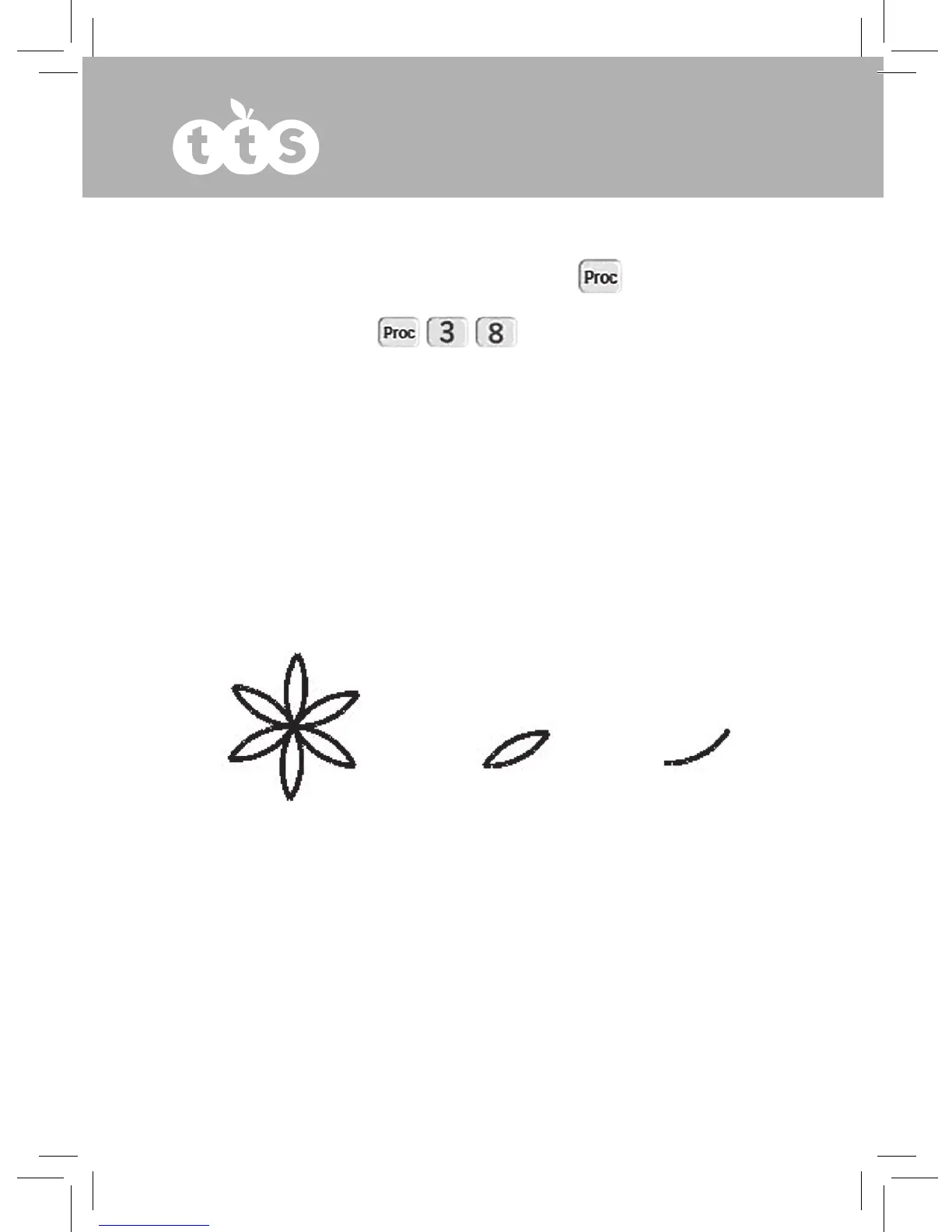
The following example draws a simple flower, with each petal being drawn using a
Procedure 1 (petal), which itself uses Procedure 2 (half petal).
TIP: On complex programs it is best not to use “Pause after command”, so switch it off
in the Config menu.
Main
Rpt 6 [
Proc 1
]
Proc 1
Proc 2
Lt 120
Proc 2
Lt 60
Proc 2
Rpt 10 [
Fd 1
Lt 6
]
12



 To Next Page