Pro-Bot Basics – A Program
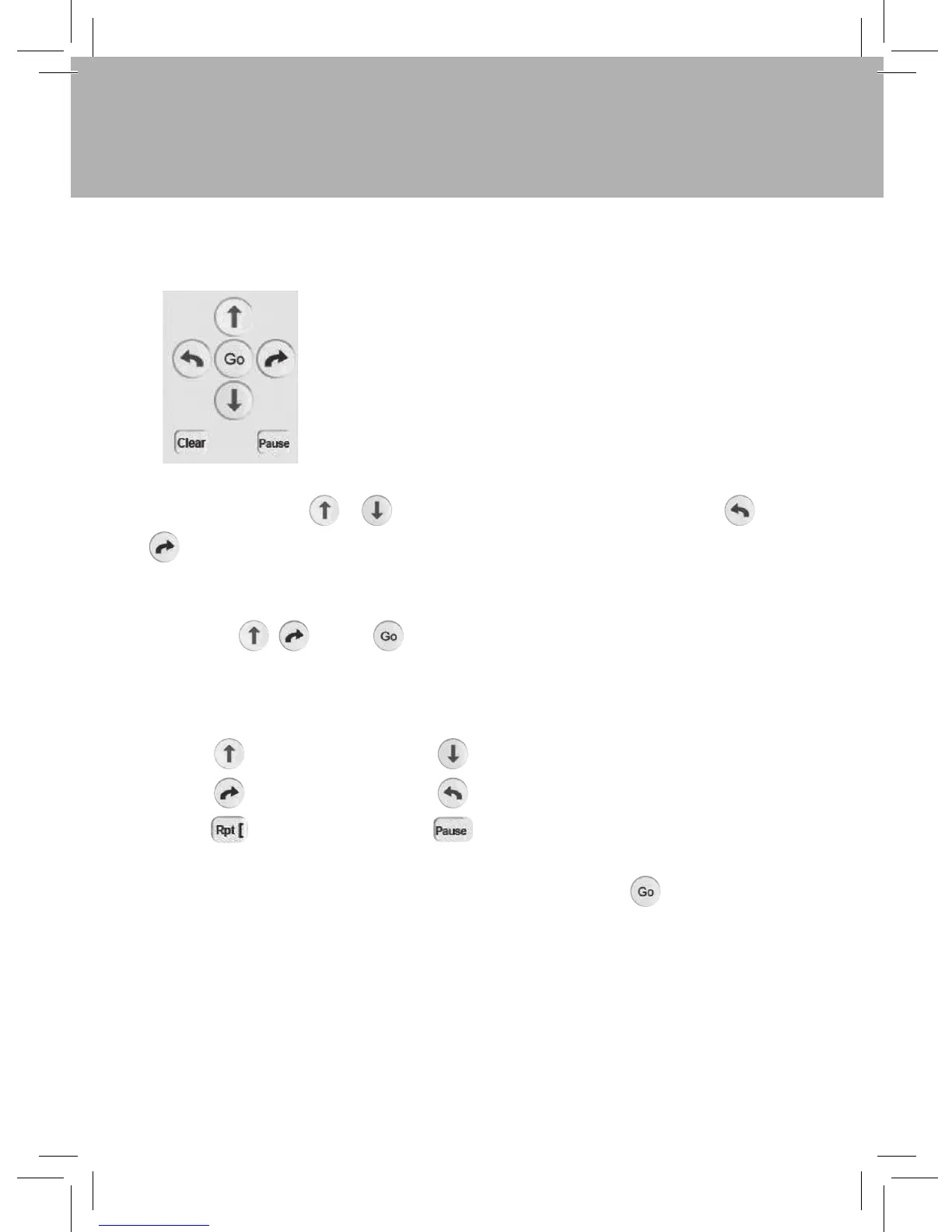
By default, pressing a or moves the Pro-Bot 25cm and pressing the or
rotates 90º. Pro-Bot’s memory can hold over 200 steps, making it possible to
create longer and more complex program sequences.
Here’s a sample program to get you started. After entering the following
commands press and the Pro-Bot will trace out a square with 25cm
sides
When writing programs on the Pro-Bot, the short form of the program commands is
displayed on the LCD screen of the Pro-Bot:
TIP: If you want to stop the Pro-Bot when it is going, press the key again.
In a programming language, such as Logo, a program is
a sequence of commands that are executed in the order
specified. With the Pro-Bot, like the multi-award winning
Bee-Bot®, a simple program can be developed using only
the four arrow keys. Surprisingly complex and extended
sequences can be created without requiring any other keys.
Forward
Right turn
Repeat
Fd
Rt
Rpt
Back
Left turn
Pause
Bk
Lt
Ps


 To Next Page