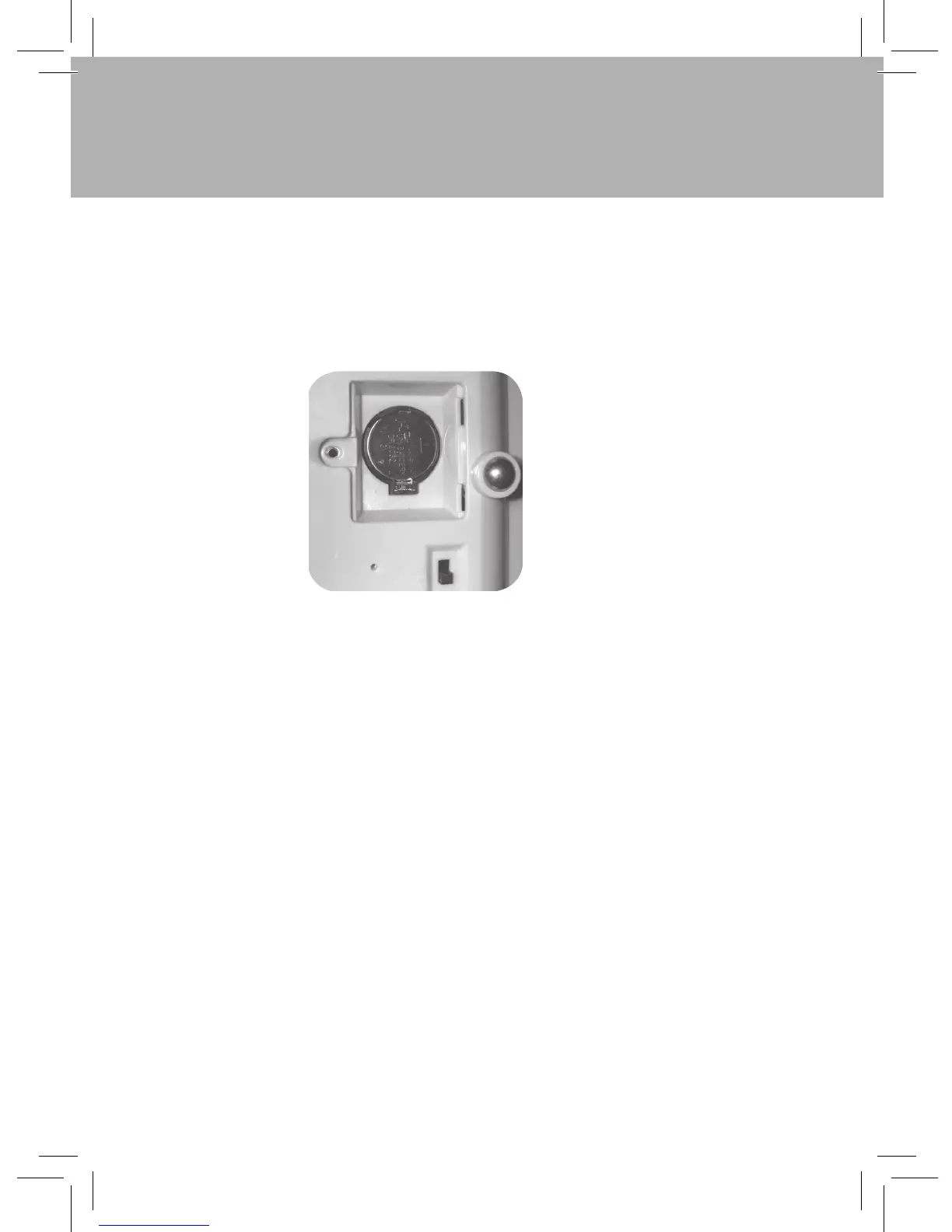
Installing the Battery in Pro-Bot
On first use, fully charge before inserting the backup battery.
Ensure the power slide switch is set to “OFF”.
Use a cross head screwdriver to remove the backup battery cover.
Remove an exhausted battery by moving spring clip sideways.
Insert the battery with the +ve sign uppermost.
Close the cover and tighten the screw.
5
Pro-Bot
®



 To Next Page