Manual Tulp gas fires EN
P. 5
2.2.1 Batteries
Remote Handset:3 x 1.5V "AAA" Battery, Quality alkaline recommended
Receiver:4 x 1.5V "AA", Quality alkaline recommended for maximum life.
An alternative AC Mains Adaptor may be used to power the Receiver instead of the 4 AA batteries. Only
an AC Mains Adapter supplied by Tulp may be used. The Mains Adaptor is plugged into the DC 6V
socket on the end of the receiver.
Note - if the AC Mains Adapter is used, remove the 4 AA's from the Receiver, failure to do so could
result in damage and failure of the Receiver. During a period of power outage, the receiver may be
unplugged and batteries returned to the Receiver.
2.2.2 Replacing the batteries
Handset: There is a battery level indicator on the display of the handset. When this gets low remove
the cover on the rear of the handset and replace the battery with another 9V PP3 battery.
Receiver: Three short audible beeps will sound when the appliance is on to indicate that the batteries
in the receiver are getting low.
When the batteries get very low the appliance will be turned off by the remote control. This will fail to
happen if the power supply is interrupted.
To replace the Receiver batteries, slide the cover off of the top of the receiver and use the ribbon to
pull the batteries out. Replace the batteries with new 1.5V AA's, ensuring that the ribbon is located
under the batteries and that the polarity is correct on all 4 batteries.
Never mix new batteries with old, this will result in the new batteries being emptied very quickly.
When the batteries are replaced, it may be necessary to reset the transmitter code, as detailed in the
next section.
2.2.3 Setting the Transmitter code
Press and hold the RESET button with a sharp object (pen or screwdriver) until you hear two audible
beeps. After the second, longer beep, release the RESET button.
Within the next twenty seconds press the down button (Button D fig 1.1) on the remote handset until
you hear an additional long signal confirming the code is set.
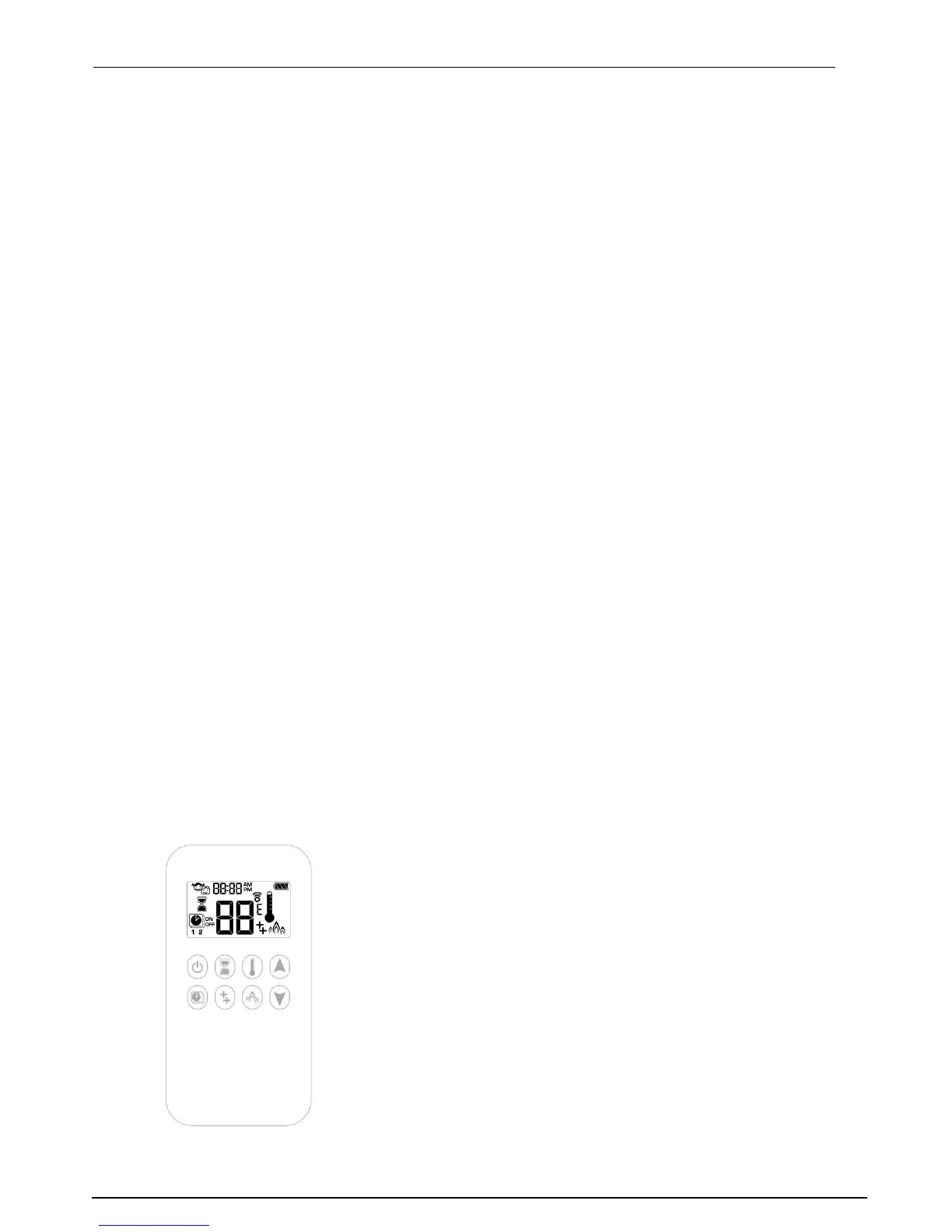
2.2.4 Handset
On the following pages you find an explanation of the handset and all its possibilities.



 To Next Page