Programming the Vi+ using a Series Telephone
Page 6 Ver 1 4/24/2015
Changing telephone number destination to PR or POTS
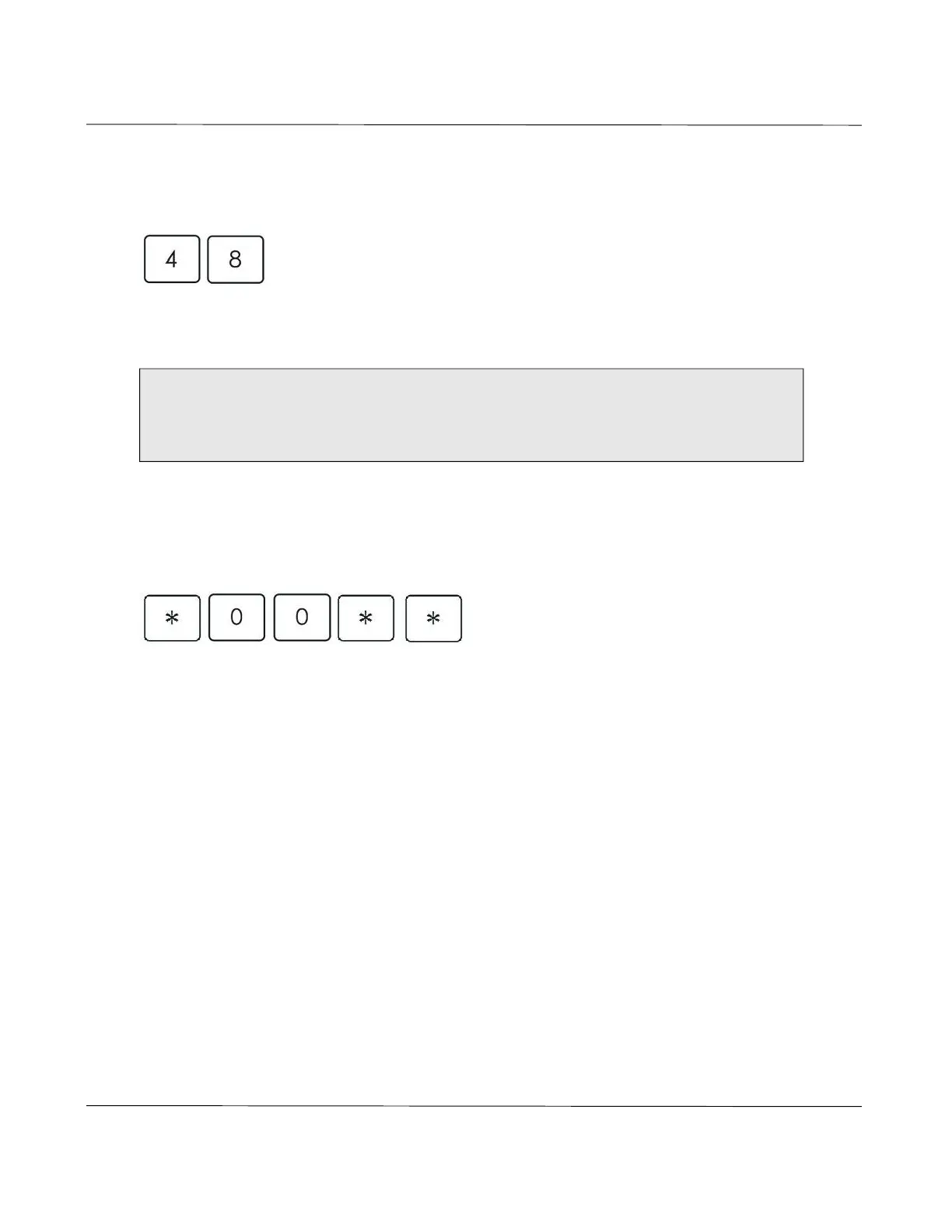
To program an existing telephone number to a PR or POTS destination, press:
X Y
Where X represents the telephone number position (1-9 with 0 = 10) Where Y
represents the destination type CC (0), PR (1) and POTS
Deleting telephone numbers
To delete a telephone number
Sets telephone number 1
To delete tel. number 2 replace 00 with 01 To delete tel. number 7 replace 00 with 39
To delete tel. number 3 replace 00 with 07 To delete tel. number 8 replace 00 with 40
To delete tel. number 4 replace 00 with 08 To delete tel. number 9 replace 00 with 41
To delete tel. number 5 replace 00 with 09 To delete tel. number 10 replace 00 with 42
To delete tel. number 6 replace 00 with 10
NOTE: It is important to set the correct destination type otherwise the recipient of the alarm call will not
be able to deal with it correctly. A CC call expects a particular handshake from the control center, a PR
call requires a recipient with a touch tone telephone and a POTS call is a normal telephone call (i.e.
speed dial button).



 To Next Page