Product Manual - Turf Tank One+
Installation and Operation
3.3 Install Batteries
3.3.1 Install Robot Battery
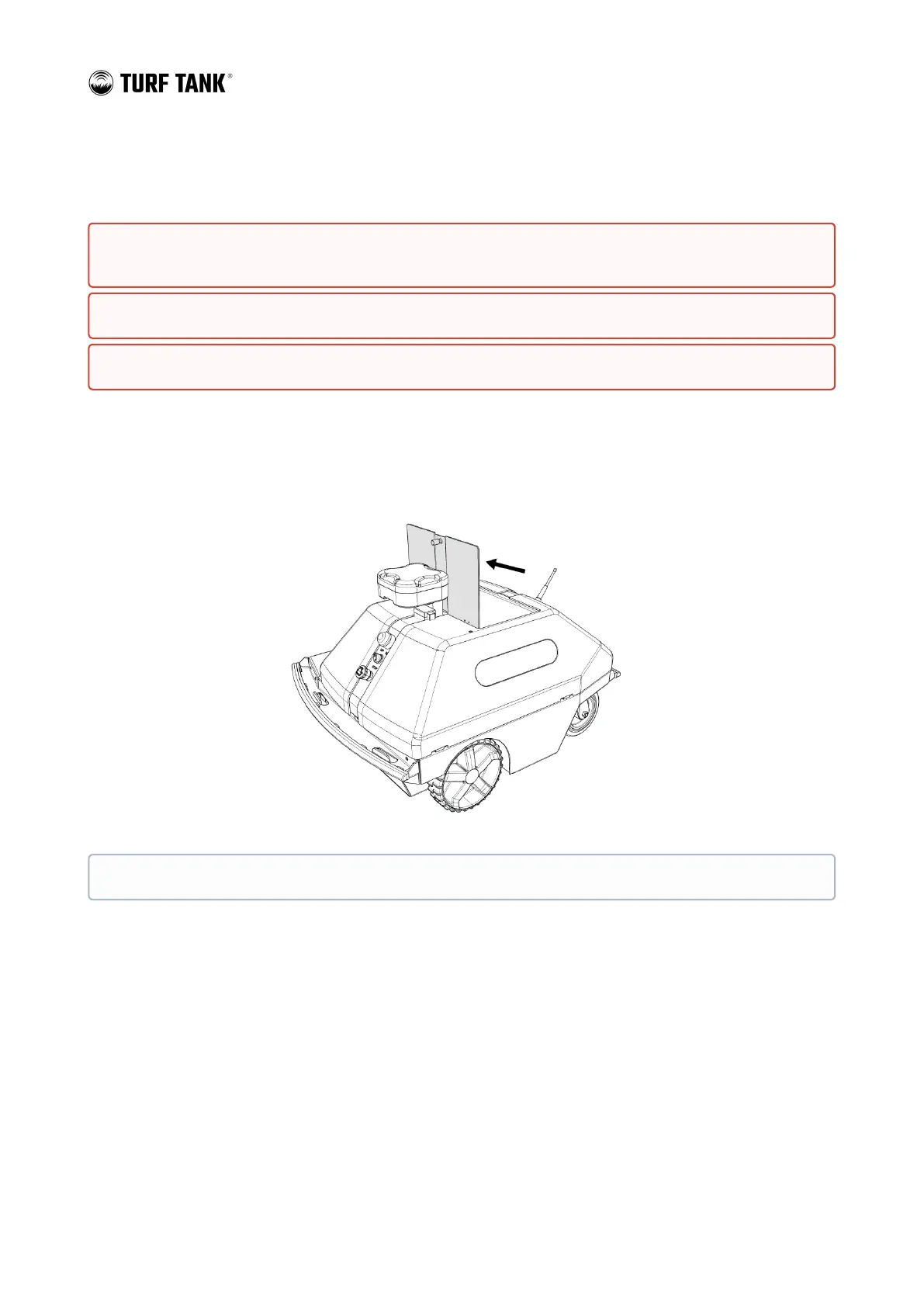
1. Open the Battery/Paint Compartment Lid.
REMOVE batteries from Robot and Base Station after use. Batteries MUST NOT be stored attached to the
Base Station or the Robot.
Check Battery status frequently. Swap out any batteries that are at or below 25-percent capacity.
If a Base Station or Robot Battery drains completely, it can cause permanent damage to the device.
Remove the paint jug from the Battery/Paint Compartment before attempting to insert the Battery.


 To Next Page