Xbox 360
®
game console with one of the following Xbox
®
cables to support digital audio output:
• Component A/V cable
• VGA A/V cable
• S-Video A/V cable
• Advanced SCART A/V cable
• HDMI audio adapter cable
• Composite A/V cable with digital output
PC/laptop or Mac
®
with either on-board or external sound card with digital optical output and Dolby Digital Live installed.
Available USB port
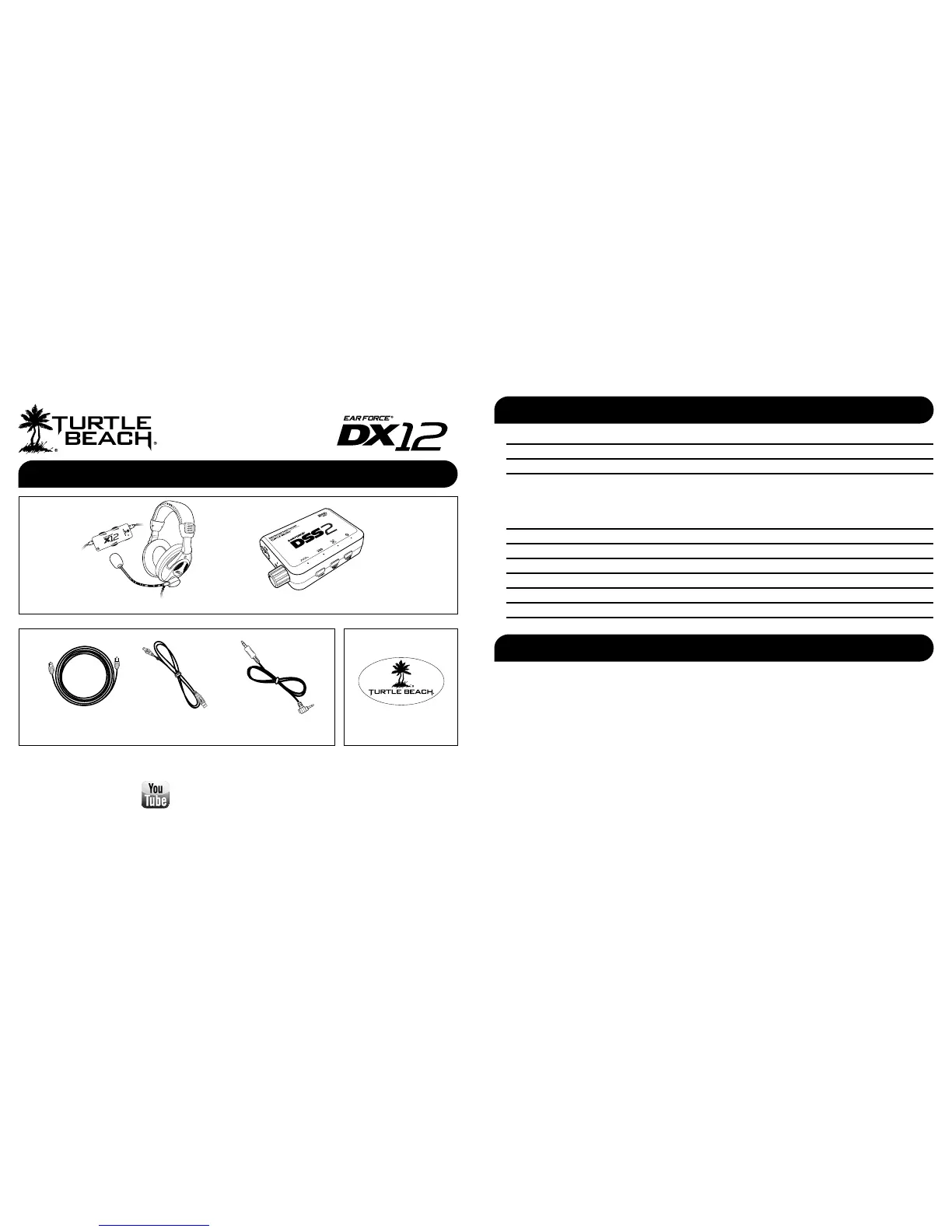
What’s in the Box
DSS2 Surround Sound Processor
Digital Optical Cable Turtle Beach Sticker
T
U
R
T
L
E
B
E
A
C
H
.
C
O
M
watch DX12 training videos at:
www.youtube.com/TurtleBeachVideos
Overview pg 1
Using the Amplier pg 2
DSS2 Overview pg 3
Setup
Xbox 360
®
pg 5
Home Theater
pg 7
PC/Mac
®
pg 8
Connecting a Digital Music Player pg 9
Dolby
®
Digital Surround Sound pg 10
Surround Sound Angles pg 11
Equalizer Presets pg 12
Troubleshooting pg 13
Technical Specifications pg 14
Important Safety Information pg 14
Table of Contents
System Requirements
USB Cable Xbox 360
®
Talkback Cable
Ear Force X12 Headset with In-line Amplier









 To Next Page