SURROUND SOUND FOR XBOX (ONLY AVAILABLE ON XBOX)
1. Go to Settings >> General >> Volume & Audio Output
2. Set Headset Format to Windows Sonic for Headphones
Stealth 600 Gen 2 MAX For Xbox - USB
Setup (For PC, PS, Nintendo Switch In
Docked Mode)
The Stealth 600 Gen 2 MAX For Xbox headset can be used with either an Xbox console, or with
a different USB device, including PlayStation consoles, a Windows PC, or a Nintendo Switch
(while the Switch itself is in docked mode).
To set your headset up for use with one of these USB platforms (not with an Xbox console),
please do the following.
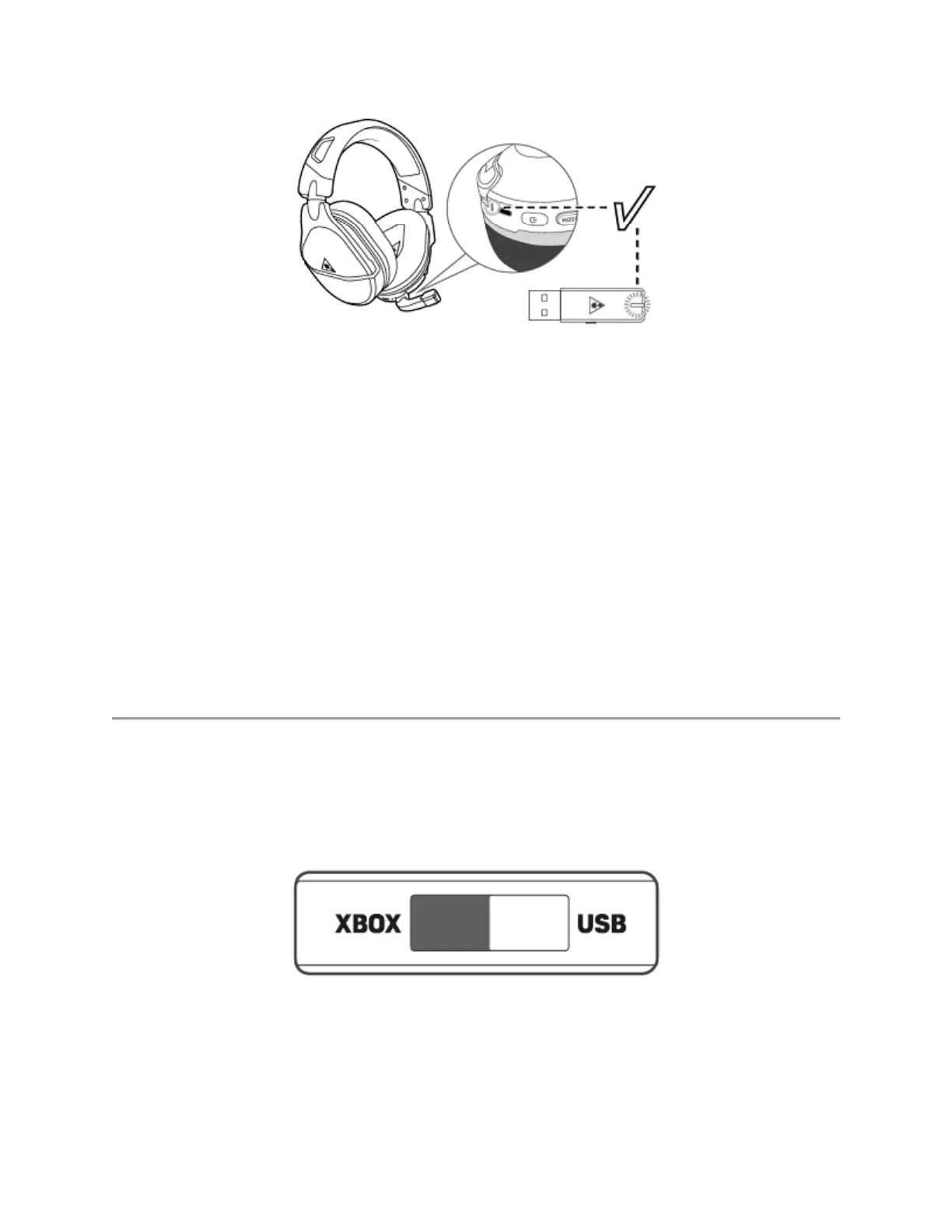
1. Put the transmitter into USB Mode.
2. Connect the transmitter to the USB port on your platform.














 To Next Page