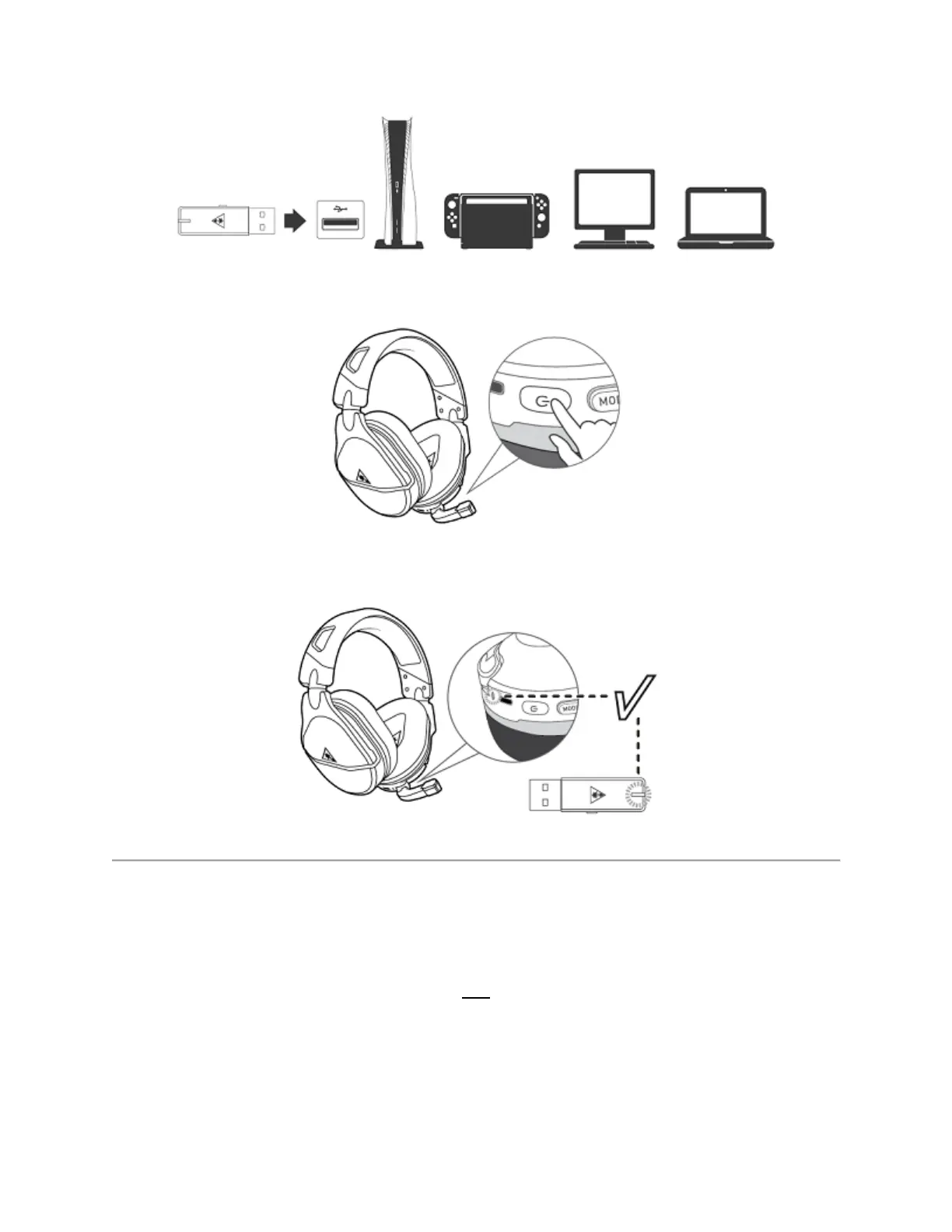
3. Power the headset on by pressing and holding the headset's Power button.
4. Wait for the headset and transmitter to pair.
Once the headset and transmitter are paired, you may need to configure the settings for your
specific platform, as detailed below.
PC
Some games and programs have their own audio settings, independent of the computer’s
settings. Please be sure to double-check the audio settings for the game/program you are using
the headset with, to ensure that the audio settings for both the computer and the game are set
properly.














 To Next Page