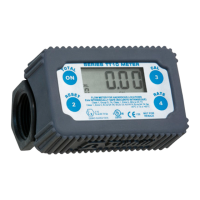
Meter Calibration
Meter calibration is required upon installation, after disassembly, after significant wear, or
when dispensing a different viscosity fluid. Calibration must be done between 6 and 40
GPM (23 and 151 LPM). Meter calibration can be easily changed by following the
calibration procedure. A container of KNOWN volume will be needed for the calibration
procedure. For the 900 series digital meter, a five gallon container or larger, or a 20 liter
container or larger should be used.
Procedure for Meter Calibration
Unit of measure and calibration is configured using a 3-step process.
1) Select the desired unit of measure
2) Fill a container with a known volume using the desired fluid.
3) Enter the amount of fluid dispensed.
Prior to calibration, the unit must be placed in calibration mode. Simultaneously press and
hold the CAL and TOTAL buttons for 5 seconds to enter Calibration Mode.
1) The unit will default to the last unit
of measure used.
2) Press and release the TOTAL
button to toggle through the
available units of measure.
3) Press and hold the CAL button for 2
seconds to move to the next step.
4) If the meter is left untouched for 2
minutes or the RESET button is
pressed, the unit will automatically
exit Calibration Mode and ignore
any changes in volume.
1) CAL 2 will be displayed.
2) Begin dispensing fluid into the container.
3) FILL will begin to blink after fluid flow is detected.
4) Dispense the desired amount fluid; stop flow as soon as desired level is reached.
5) Press and hold the CAL button for 2 seconds to move to the next step.
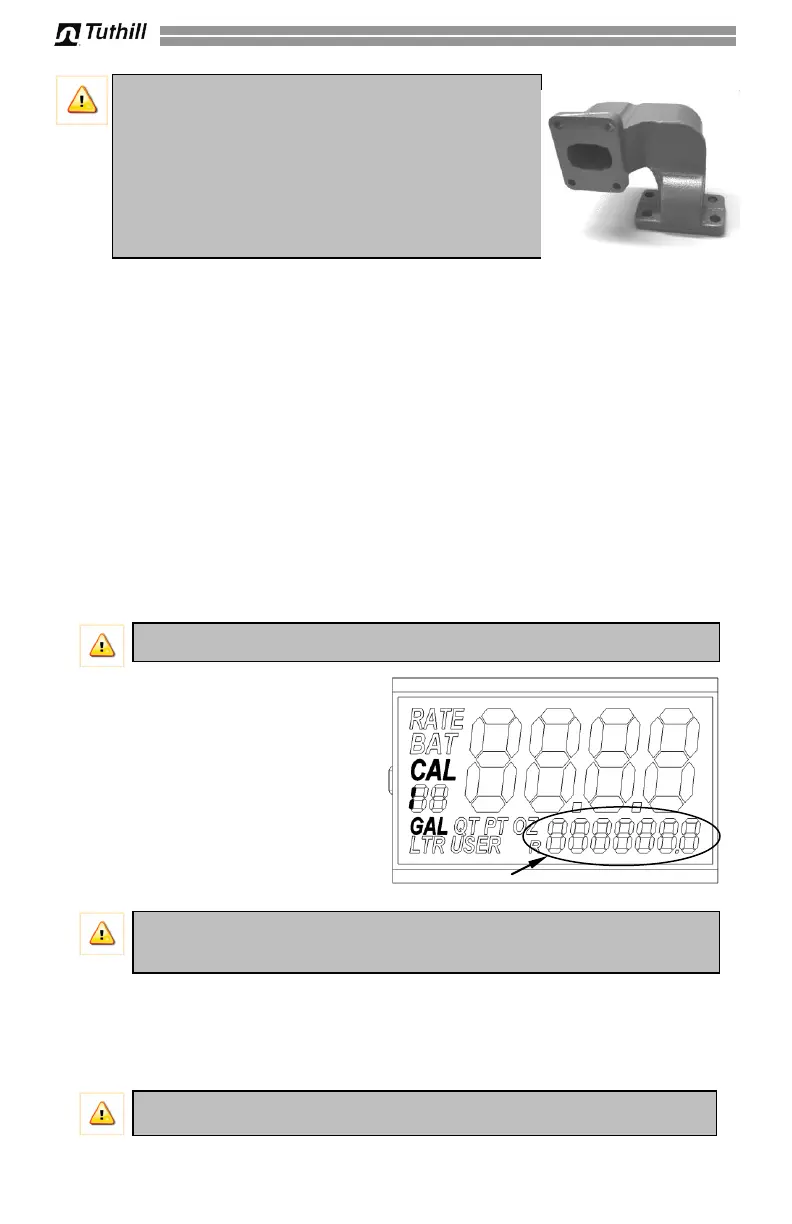
IMPORTANT! If you have purchased this meter as part
of a “Kit”, the meter flange base is drilled with 4 holes.
This allows the meter to be used with 300 and 700
series pumps. Line the meter bracket up for installation
and insert the bolts in the two holes that align with the
corresponding holes on the pump outlet. Once the
meter bracket is bolted securely in place install the two
plugs in the holes that were not used to prevent
moisture from entering them.
IMPORTANT! When calibrating, the totalizers will not increase in value.
IMPORTANT! Dispensing into a container with a known volume allows the unit
to automatically calculate the internal scaling value to compensate for fluid
viscosities and the system flow rate.
IMPORTANT! If left untouched for 2 minutes, or the RESET button is pressed,
the meter will exit Calibration Mode and any dispensed fluid will be ignored.



 To Next Page