11
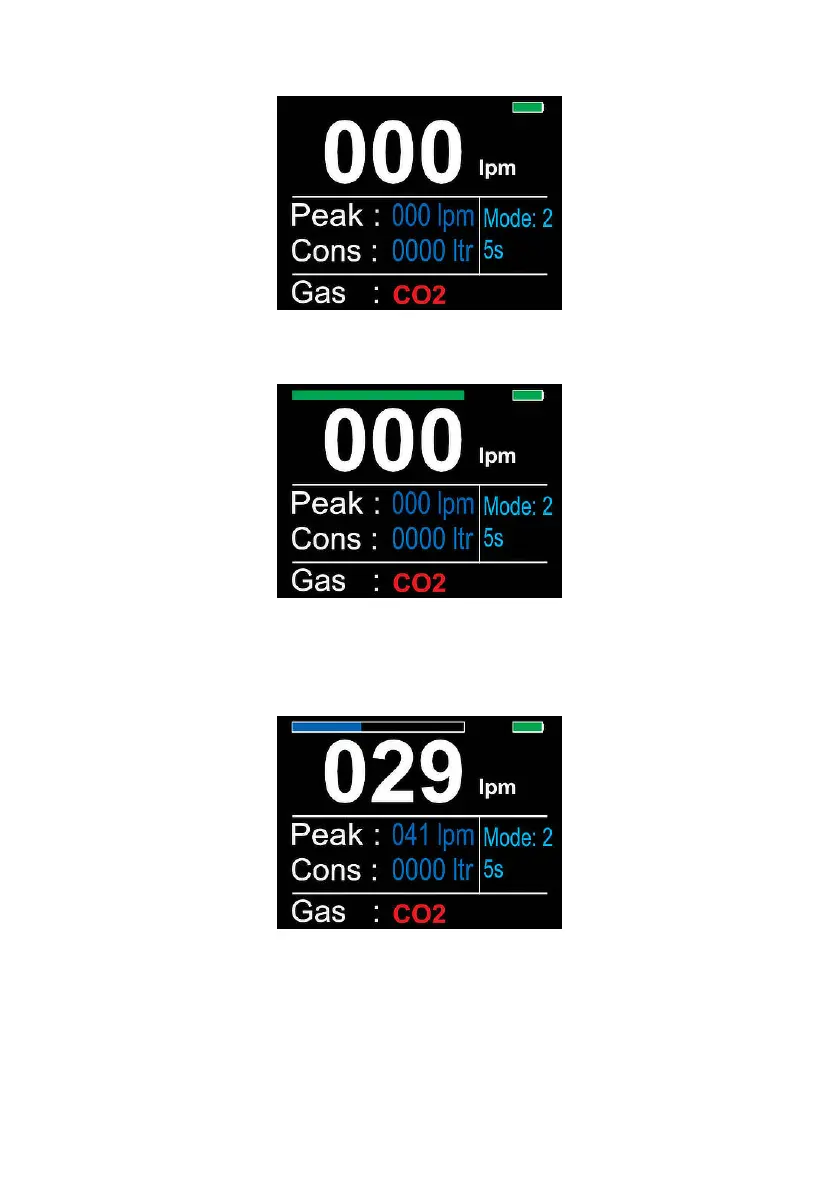
Press the ‘Log’ button to set the NFM3 ready to record. A green bar will
appear at the top of the screen to show the unit is ready to log.
The NFM3 will only start logging when a gas ow has begun. The
progress bar at the top of the screen will turn black. This bar will indicate
how much time is remaining to log the gas, lling with blue as it logs. When
the bar is fully blue, the logging has nished.
When the logging is complete, the progress bar will ash red, then
disappear.


 To Next Page