8
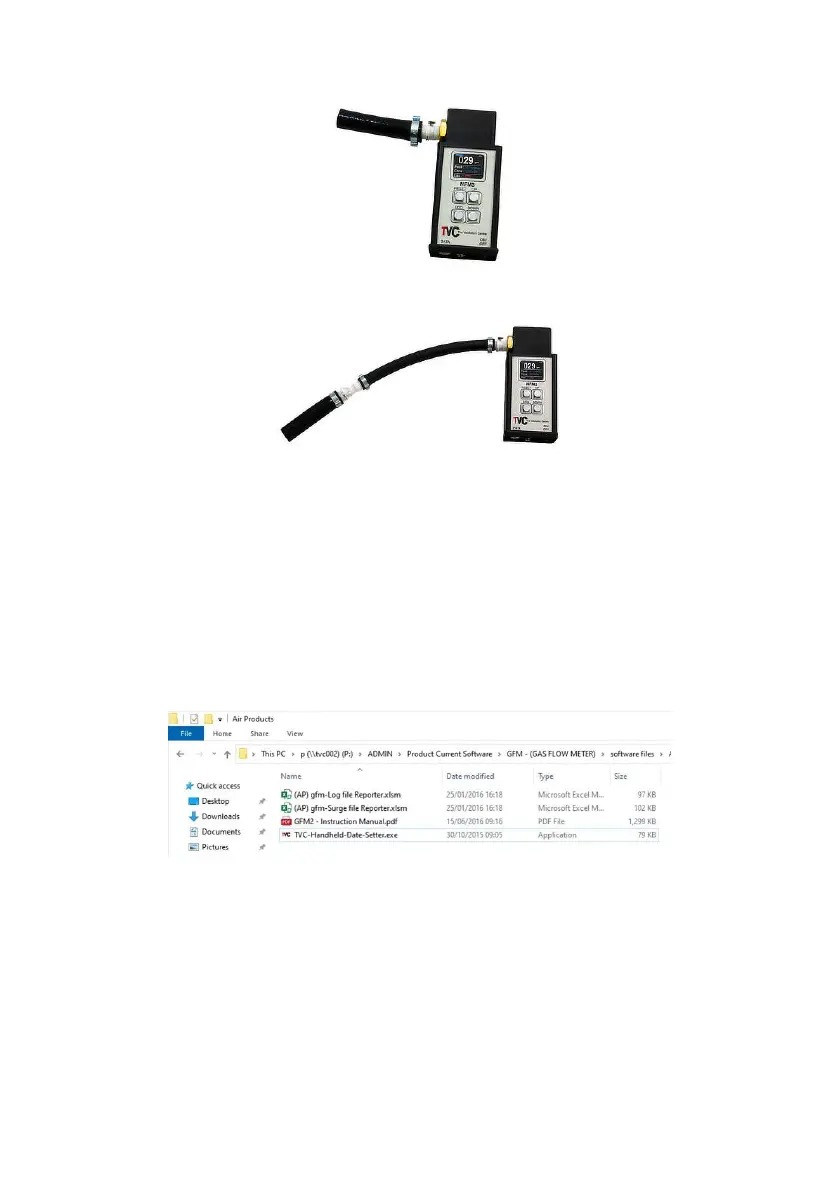
NFM3 without extension
NFM3 with extension
2.5 Selecting measurement units (NFM3 Advanced only)
The NFM3 should be factory-set to measure in either Metric or Imperial
units, however, should this need to be adjusted this can be done via a
computer.
When the NFM3 is connected to your computer it will appear as a
removable drive in the Windows ‘My Computer’ page. Double-click the
drive icon to open the drive and nd the NFM3 les.
Double-click on the le ‘TVC-Handheld-Date-Setter.exe’. The following
software window will open on your PC.


 To Next Page