14
2.8.2 Surge le example
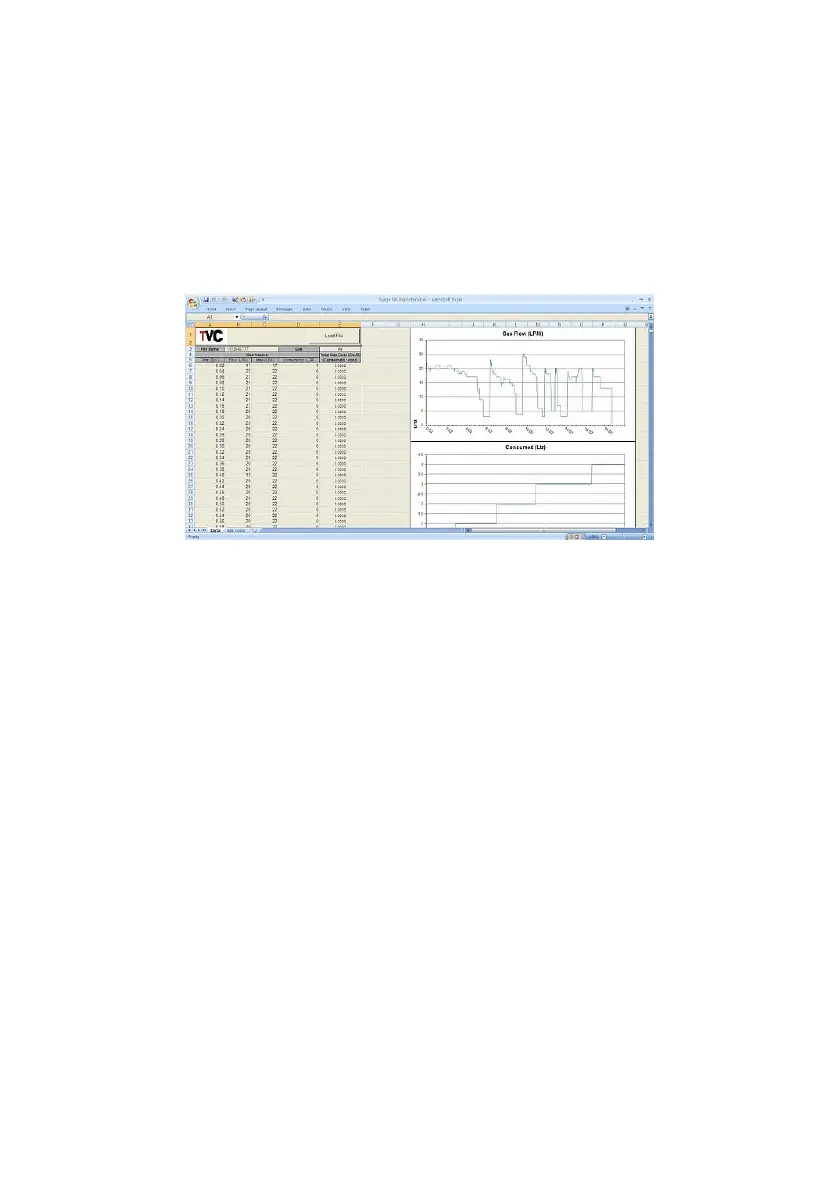
Open the ‘Surge File Reporter’ template.
Once opened, click the ‘Load’ button to open a Windows le browser. Go
to the drive and select one of the logged TXT les.
The template also provides gas costing. The gas costs can be adjusted
from the second sheet, ‘Gas Costs’, found on the sheet tabs at the bottom
of the MS-Excel document.
Click the ‘Open’ button. The template will now open the le and display
the gas data it has found.
To keep the information as a MS-Excel document, re-save the document
under a dierent name.
2.8.3 Removing logged les
Files on the NFM3 are like normal MS-Windows les. This means you can
remove or delete them as you normally would.



 To Next Page