Rebar Scanner A60+
7
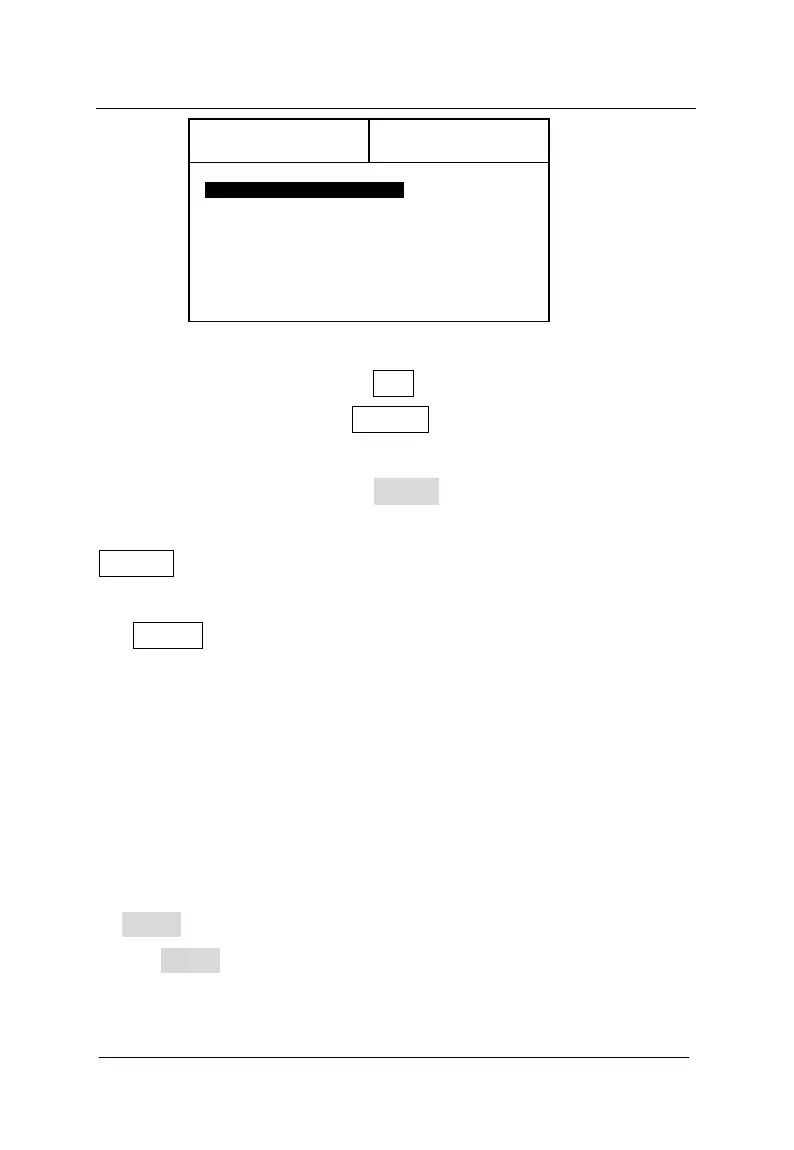
Figure 3-4 interface of thickness test
During detection, press the ESC key to return the status of setting
project information; press the ENTER key to self-calibrate probe. At
this time, probe must be placed in the air and away from rebar and
strong magnetic field. After wait ! on the screen is missing,
self-calibration is end. At this time, continue detection. Press the
RANGE key to switch between the first nominal range and the second
nominal range. After switching nominal range, it is necessary to press
the ENTER key to self-calibrate probe. Otherwise, detection results
are wrong.
To find the position on the top of rebar, firstly, scan roughly.
After hearing the alarm, shift the probe backwards. Because the speed
of shifting the probe for the first time is too much, it is possible to
miss the data during collecting the data. Therefore, after audible alarm,
during shifting the probe backwards, slow down as much as possible.
When audible alarm is heard for the second time, data on the right side
of Signal are changed. Repeat such operation till the value on the right
side of Signal is the maximum. At this time, center of diamond pattern
on the probe is just on the top of rebar.
No.=
Signal
Memory
Thickness



 To Next Page