Rebar Scanner A60+
10
while so that detected rebar diameter and covering layer thickness can
be estimated and showed correspondingly in the position on the right
side of Diameter and Thickness in large print. At this time, press the
SAVE key to save the data. The value on the right side of Memory is
added 1 automatically indicating the number of this project
information is saved. At this time, continue detection. Press the ESC
key to return the status of setting project information.
During detection, press the ENTER key to self-calibrate probe.
At this time, probe must be placed in the air and away from rebar and
strong magnetic field. After wait ! on the screen is missing,
self-calibration is end. At this time, continue detection.
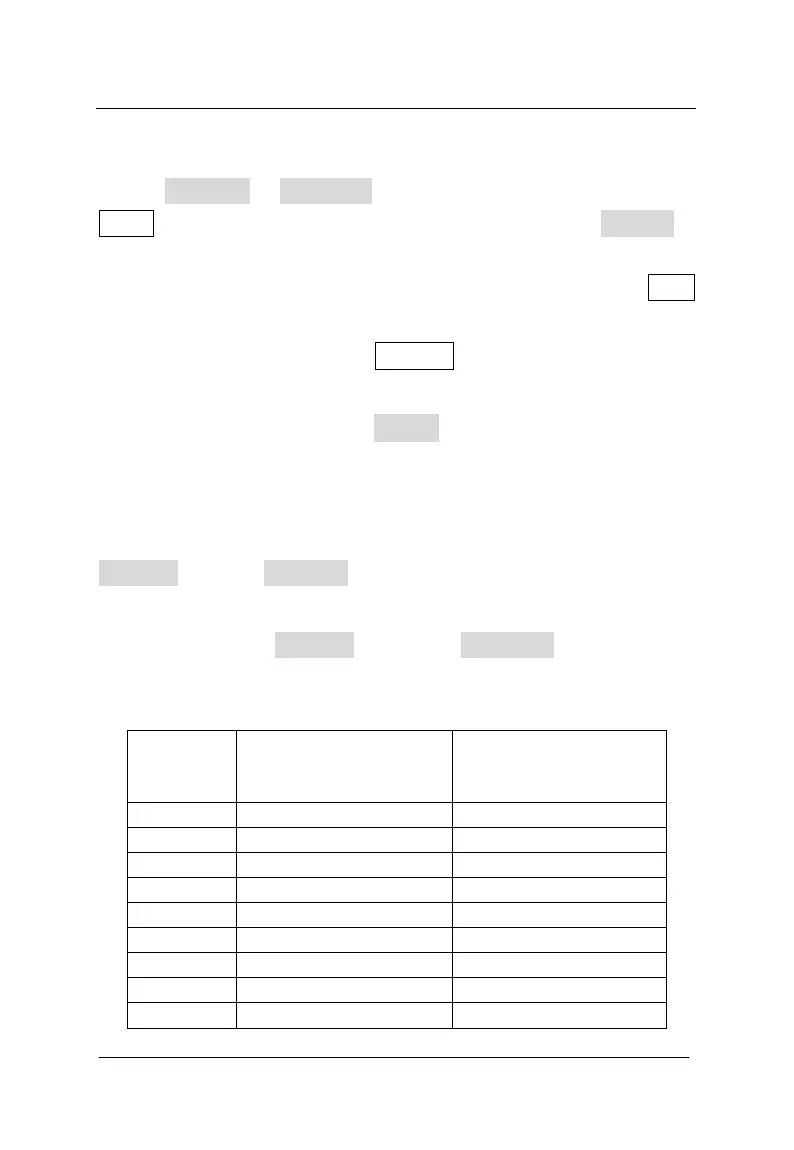
Note: If covering layer thickness is less than the corresponding
minimum of measurable covering layer thickness value in table 3.1,
Diameter will show Too Thin ; if covering layer thickness is more than
the corresponding maximum of measurable covering layer thickness
value in table 3.1, Diameter will show Too Thick . At this time,
diameter cannot be detected.
Table 3.1Nominal range of rebar diameter unit:mm
Rebar
diameter
The minimum
measurable covering
layer thickness
The maximum
measurable covering
layer thickness
6 7 60
8 10 60
10 11 65
12 14 65
14 15 65
16 16 65
18 16 65
20 18 65
22 18 65



 To Next Page