Rebar Scanner A60+
11
25 19 65
28 21 65
32 21 65
3.2.5 Rebar scan
Before entering into Rebar Scan,firstly, connect scanning trolley
and assemble probe and trolley (probe is inserted into the trolley).
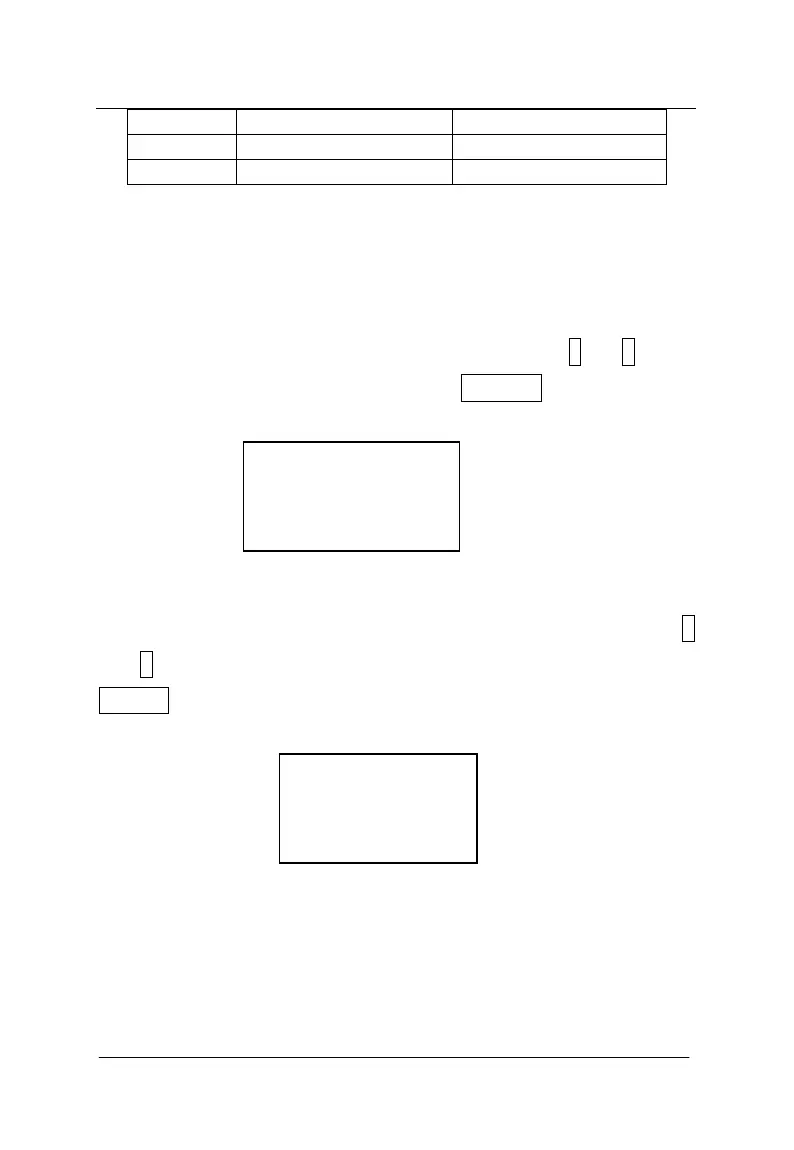
Interface of rebar scan is showed as figure 3-7, through ↑ and ↓keys,
select corresponding functions and press ENTER key to enter into
corresponding functional interfaces.
Grid Scan
Profile Scan
Figure 3-7 interface of rebar scan
3.2.5.1 Grid pattern scan
Interface of grid pattern scan is showed as figure 3-8, through ↑
and ↓keys,select length and width requiring detection and press
ENTER key to enter into corresponding functional interfaces.
0.5×0.5
1.0×1.0
2.0×2.0
Large Area
Figure 3-8 interface of grid pattern scan
Interface of 0.5×0.5m gird pattern & rebar scan is shown as
figure 3-9. Firstly, project information is set including known
Diameter of horizontal (Y) and vertical (X) rebar (default is XΦ16mm
and YΦ08 mm) and project No. (The initial position is fixed as 3).



 To Next Page