Rebar Scanner A60+
23
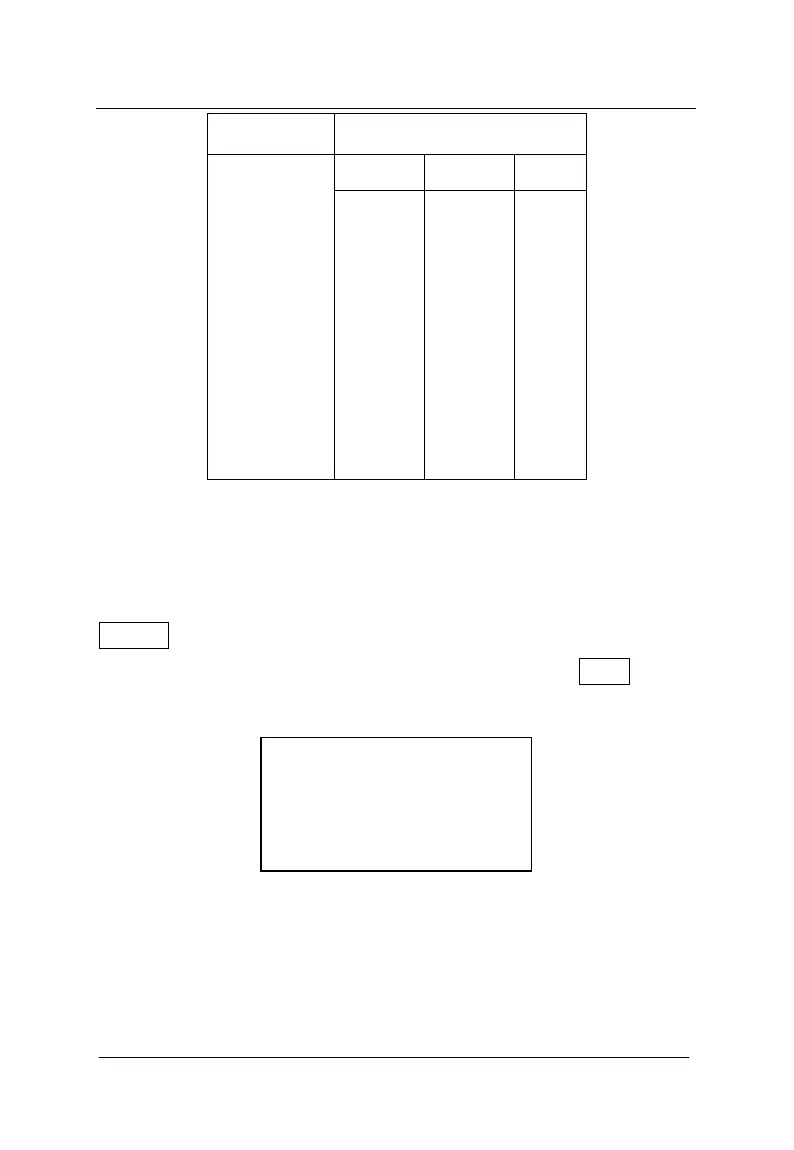
Figure 3-20 interface of viewing profile scan
3.2.8 Delete data
Interface of deleting data is showed as figure 3-21. Press the
ENTER key to delete all data. After deleting all data, then return
automatically to function selection interface. Press the ESC key to
return the function selection interface without deleting data.
Figure 3-21 Delete data
Notice:After all data are deleted, they cannot be restored. Please
be cautious to use this function.
No. Data(mm)
No H/ 16 Dx 1002
1005
2003
3001
=> 4001
4003
3002
01
02
03
04
05
06
07
08
028
029
028
0109
0278
0459
Confirm delete?
[ESC]:Cancel
[ENTER]:Delete



 To Next Page