ENGLISH
Getting Started — LED Status Indicators
LED Status Indicators
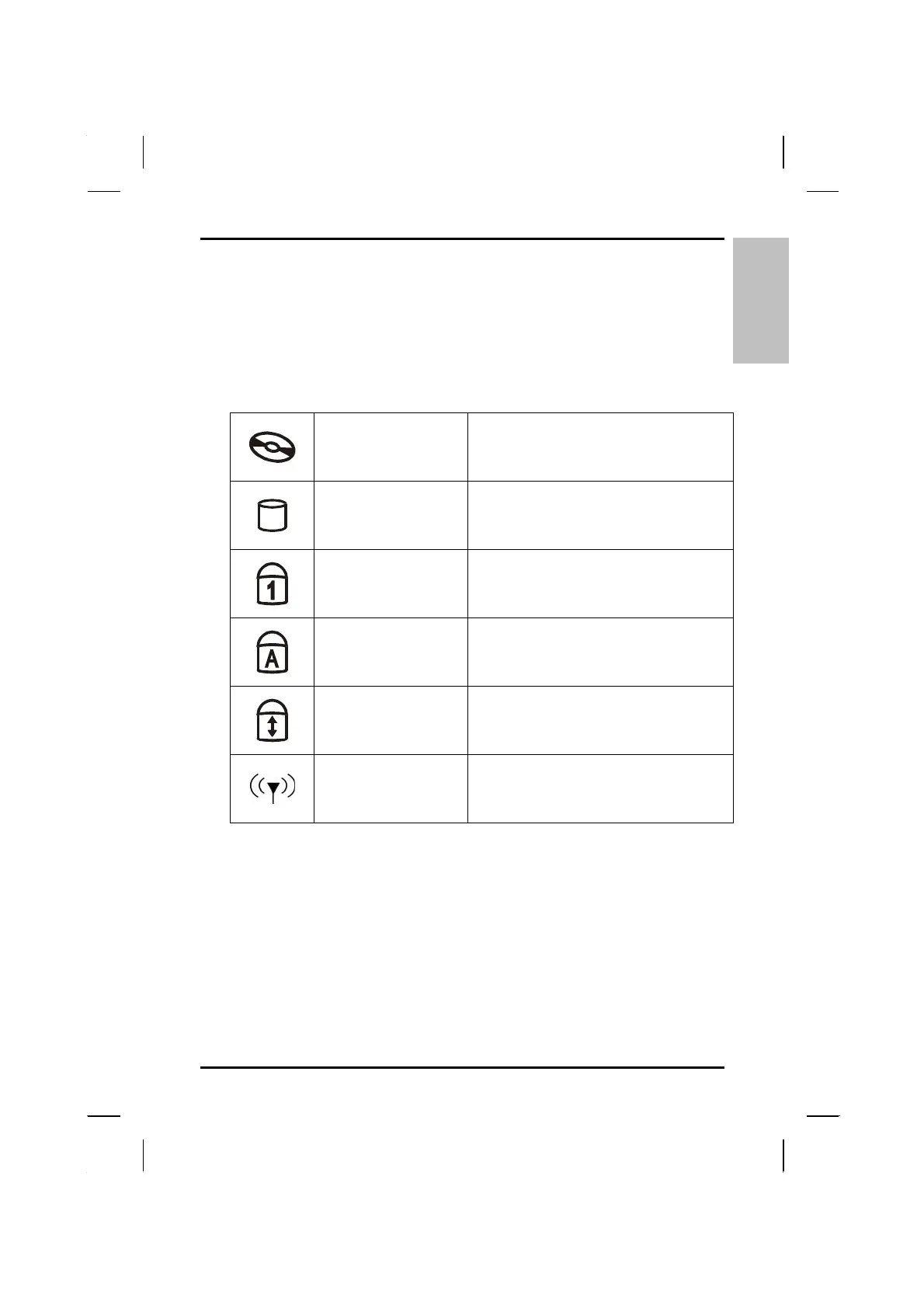
The status indicators in the upper left corner of the keyboard light up when
a particular function of the computer is active. Each indicator is marked with
a symbol.
CD ROM Drive
The computer is reading information
from the CD-ROM, CD-RW or the
DVD ROM drive.
HDD
The computer is reading from, or
writing to the built-in hard disk.
Number-Lock
The keyboard is in Num-Lock mode.
Caps-Lock
The keyboard is in Caps-Lock mode.
Scroll-Lock
The keyboard is in Scroll-Lock mode.
Wireless LAN
The Wireless LAN is accessing.
19



 To Next Page