ENGLISH
Chapter 4 — System Software
Windows XP Reinstallation
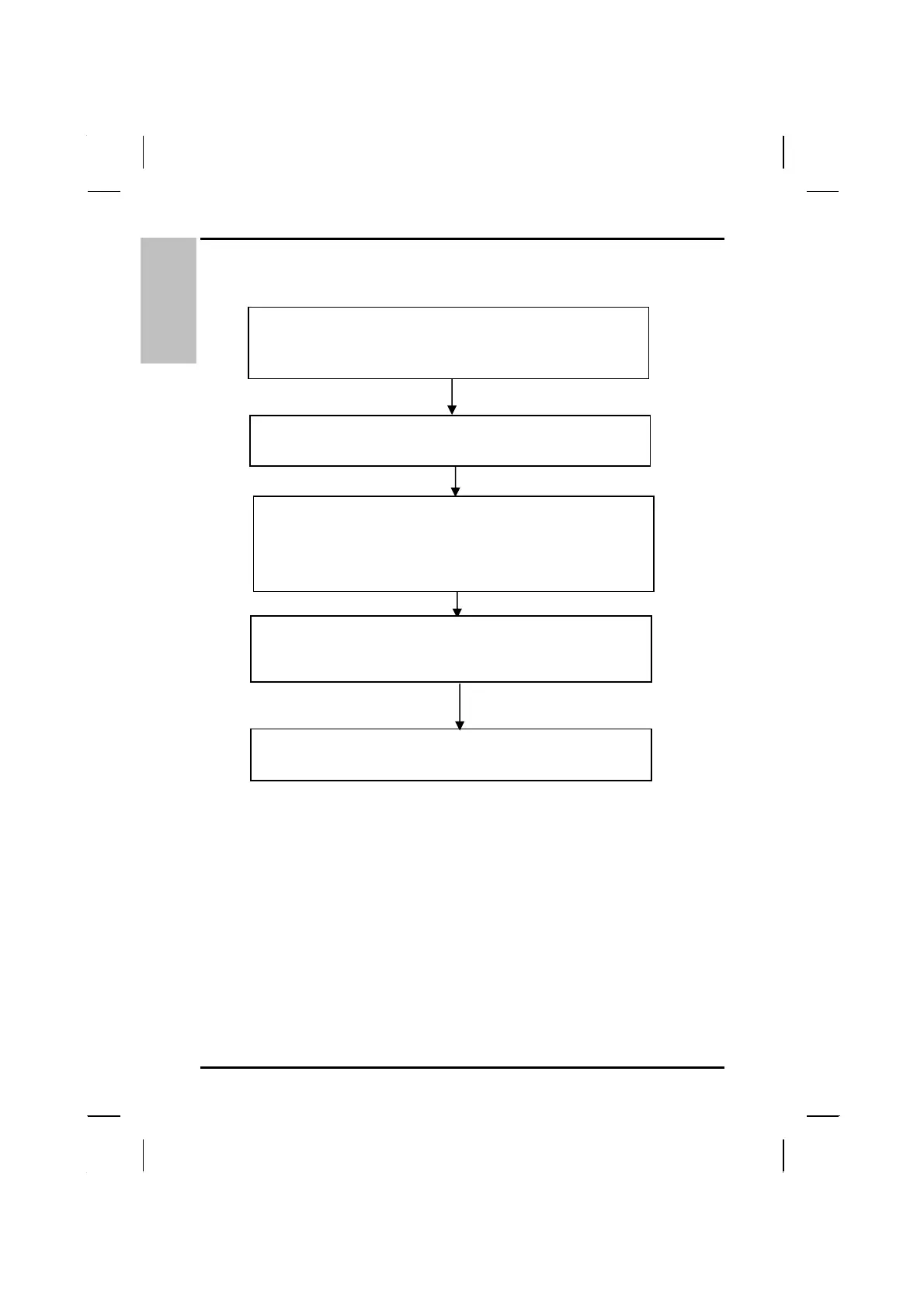
Enter BIOS setup.
Set first boot device to “CD-ROM.”
(See Chapter 6: BIOS Settings.)
Put the Recovery CD for Windows XP Disc#1 into the
CD-ROM drive and reboot the computer.
Press <Alt>, <Ctrl>, and <Del> to reboot the computer. Enter the
BIOS Setup Utility and select Boot priority. Reset the boot priority
to either A: or C:
When the CD Boot Menu appears, choose option 1: Recovery CD
for Windows XP. When prompted, insert the Disc#2. It will take
approximately five minutes to complete the installation. Remove
the CD-ROM from the drive when the installation is complete.
( Suggesting plug AC Adapter when Recovering.)
While starting Windows, reenter the Windows information as
prompted.
44



 To Next Page