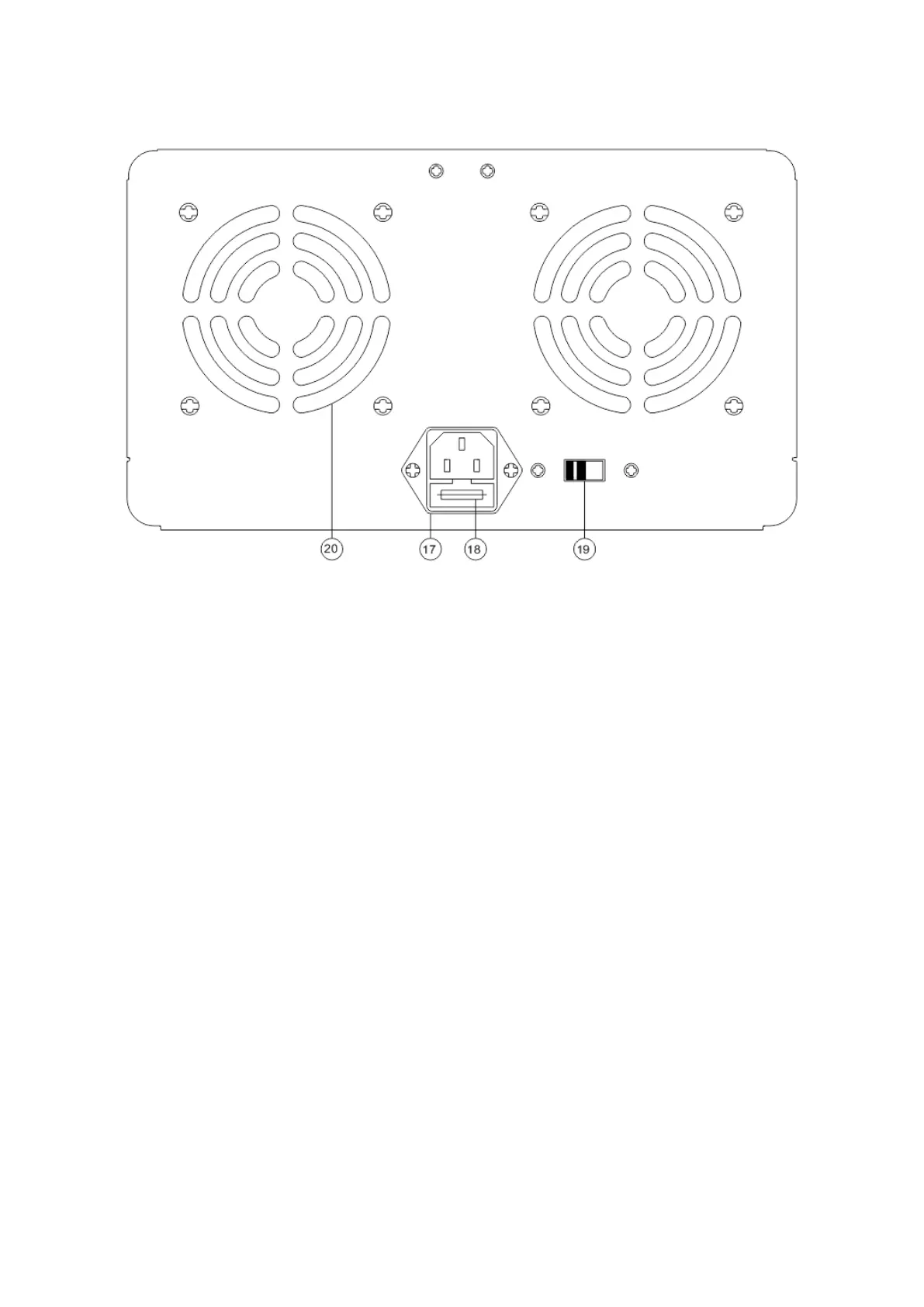
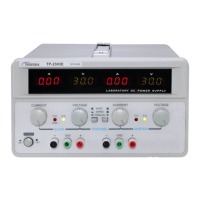
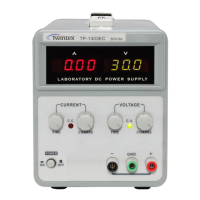
g. TP-3020/6010 Rear panel
Fig.4-7
4-2. Front Panel Control
1 Power switch : ON/OFF the power
2 Output ON/OFF switch : After power on, there is no voltage cross the output terminals. Press this
button, output LED on, the unit has power out. Press this button again, the
out LED off, output voltage cross the terminals is zero. The is on standby
mode.
3 OUTPUT indicator : Lights on in red when the output is turned on. Details see above.
4 C.C indicator : Lights when the power supply is in constant current operation.
5 C.V indicator : Lights when the power supply is in constant voltage operation.
6 Voltmeter : Indicates the output voltage.
7 Ammeter : Indicates the output current.
8 Voltage Coarse : For coarse adjustment of the output voltage.
9 Voltage Fine : For fine adjustment of the output voltage.
10 Current Coarse : For coarse adjustment of the output current.
11 Current Fine : For fine adjustment of the output current.
12 “+” output terminal : Positive polarity
13 “GND” terminal : Earth and chassis ground.
14 “-” output terminal : Negative polarity.
15 Fixed 5V/1A “+” output terminal
16 Fixed 5V/1A “-” output terminal



 To Next Page