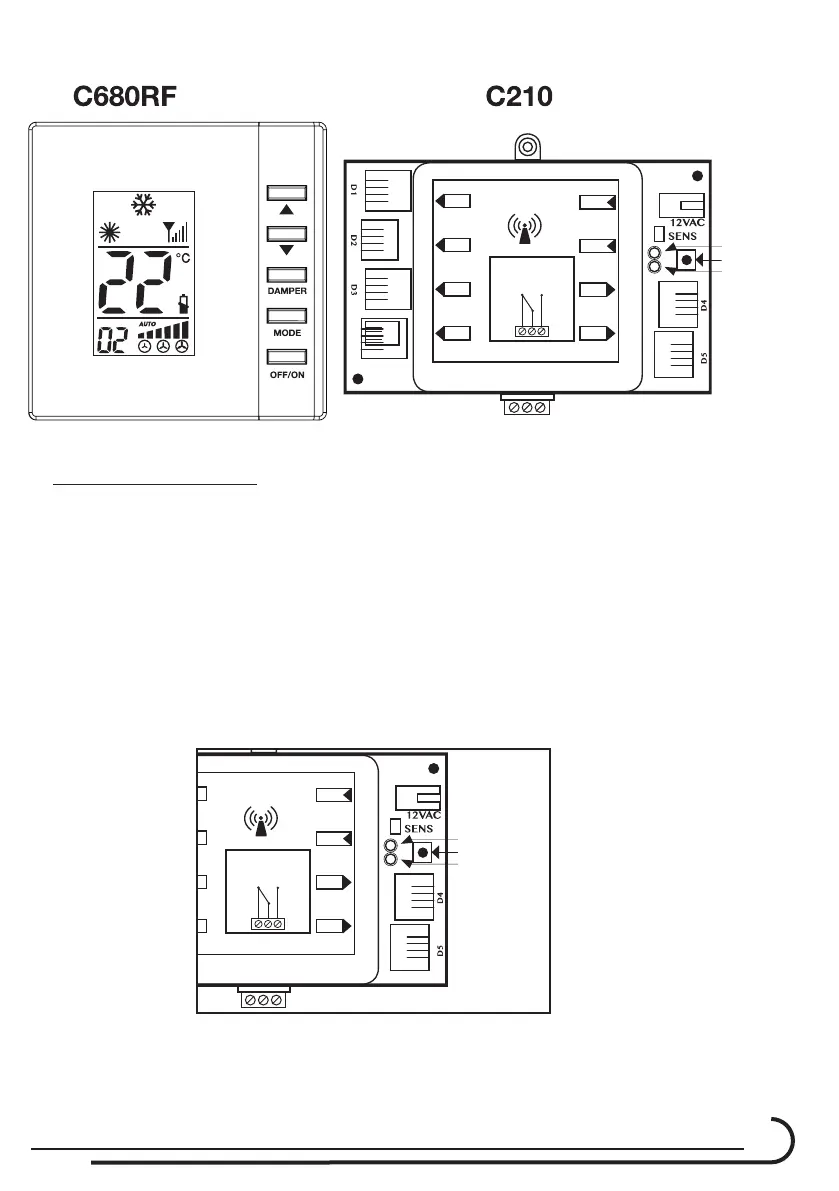
C210 Controller & C680RF thermostats
11
Address configuration instructions.
There are two ways to congure an address: Automatic and Manual:
1. Automatic address.
1.1. During the installation of the new system, we recommend that you use
theautomaticconguration.
1.2. Check the area where you want to install the C210 system. No other
C210systemsshuoldbeincongurationmode.
1.3. Connect the 12 Volts AC transformer Plug to the C210 and then
connect it to the main power 230 VAC (line voltage).
1.4. CheckthattheredandgreenLED’sontheC210areashingoneafter
the another.
Transformer
Plug
Red Led
Switch
Green Led
N.O
12 VAC
N.C
D5
D4
SENS.
PWR
RF ZONE
DRY CONTACT
Transformer
Plug
Red Led
Switch
Green Led
N.O
12 VAC
N.C
D1
D2
D3
B.P
D5
D4
SENS.
PWR
RF ZONE
DRY CONTACT



 To Next Page