EasyManua.ls Logo

Twitoplast C210 - User Manual

Default Icon
16 pages
Print Icon
To Next Page IconTo Next Page
Loading...
Oded Lev-Run Design
Installation and Operation
Instructions
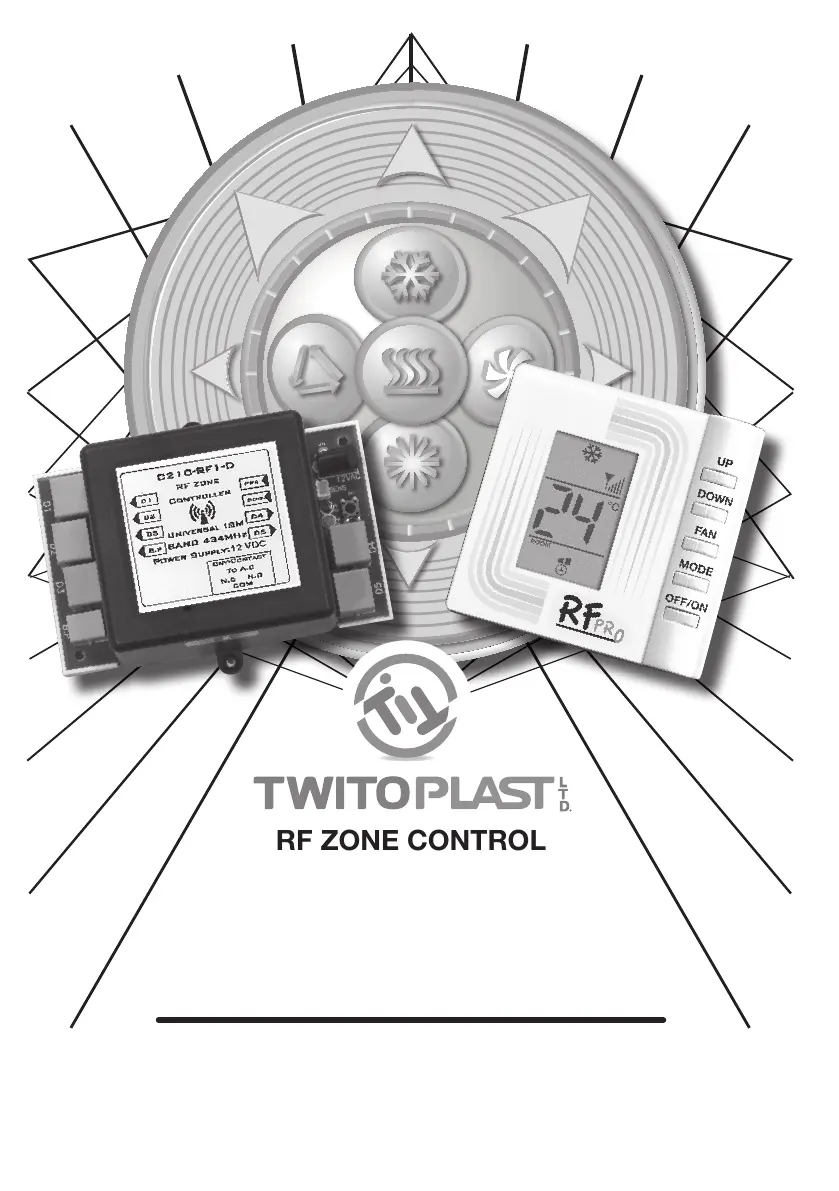
RF ZONE CONTROL
C210 Controller
&
C680RF thermostats
Dry Contact

Questions and Answers

Summary

General System Overview

Technical Specifications

System Installation Instructions

Electrical Wiring Connections

Cable Connections and Considerations

Damper and Bypass Motor Cabling

Connects damper and bypass motors to the C210 using RJ45 and RJ11-4 cables.

General Installation Warnings

Provides critical warnings and general instructions for safe installation.

Thermostat Placement Advice

Recommends optimal placement for thermostats relative to the C210 controller.

C680 RF Thermostat Dimensions

Troubleshooting Guide

C680 RF Thermostat Operation Controls

Control Button and Display Identification

Identifies and explains the function of each button and display icon on the C680RF thermostat.

Cool and Heat Mode Setup

Explains how to set the thermostat for cooling and heating modes based on room temperature.

Thermostat Power and Temperature Adjustment

Powering the Thermostat On;Off

Instructions on turning the thermostat unit ON and OFF using the power button.

Setting Desired Temperature

Guides users on adjusting set-point temperature and viewing room temperature.

Thermostat Mode and Damper Functionality

Mode Selection (Cool;Heat)

Details how to select between Cool and Heat modes using the mode button.

Damper Position Control

Explains how to adjust damper position (1/3, 2/3, 3/3, Auto) via the damper button.

Internal Temperature Sensor

Describes the built-in NTC thermistor sensor for accurate room temperature sensing.

System Setup and Initial Startup

Automatic Address Configuration

Automatic Address Assignment Steps

Thermostat Address and Room Numbering

Details steps for assigning addresses and room numbers to thermostats automatically.

Manual Address Configuration

Manual ID Code Setup Process

Provides instructions for manually configuring thermostat ID codes when automatic fails.

Manual ID Code Setting and Verification

Room Number and RF Signal Check

Outlines setting room numbers, checking RF signal strength, and final system note.

Twitoplast C210 Specifications

General IconGeneral
ModelC210
CategoryController
Input Voltage24V DC
Weight250g
Power Consumption5W
CertificationsCE, RoHS
MountingDIN Rail
Digital Inputs8
Communication InterfaceEthernet, RS-485
ProcessorARM Cortex-M4