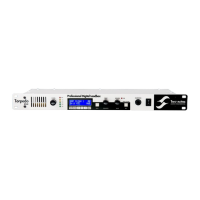
Configuring and using the TORPEDO Live
1. Navigate through the 100 presets in PERFORM mode
2. Edit a preset in EDIT mode
3. Setup global parameter of the machine in SETUP mode
To enter a mode, whatever the current mode, push the appropriate button. To see and modify
the various parameters, use the appropriate encoders wich function depends on the current mode.
4 PERFORM mode
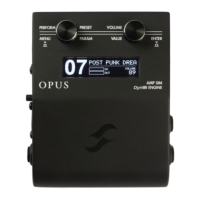
The PERFORM mode is the default mode you will see when first using the TORPEDO Live. You will have
the following information on screen:
• First line: preset name and number (between
01 and 00 corresponding to preset 100.
• Second line: Cabinet name (or IR name) and
output volume (OUT LEVEL between -95dB
and +12dB).
In this mode you can navigate in the presets and set the output volume of the machine. You will
be in this mode when playing without editing or modifying any parameter. This way you can have a
fast access to the volume in case you have to quickly lower or increase the volume in any situation.
We recommend first to search for a preset close to the sound you have in mind, then tweak the
selected preset in EDIT mode.
The preset name is limited to 12 letters or numbers. The authorized
characters are capital A to Z, 0 to 9 and space.
The various functions of the buttons in PERFORM mode are described in the following tab:
Button Function
SETUP Switch to SETUP mode
PRESET/PARAMETER Navigate the preset
OUT LEVEL/VALUE Set the output volume between -95dB and +12dB
HOLD TO SAVE/EDIT (hold) Save a preset between 01 and 00 (preset 100)
HOLD TO SAVE/EDIT (toggle) Switch to EDIT mode
5 EDIT mode
In the EDIT mode, you will have access to all the parameters of a preset. The various functions of the
buttons in PERFORM mode are described in the following tab:
Bouton Fonction
SETUP Switch to SETUP mode
PRESET/PARAMETER Navigate the parameters
OUT LEVEL/VALUE Modify the selected parameter
HOLD TO SAVE/EDIT (hold) Save a preset between 01 and 00 (preset 100)
HOLD TO SAVE/EDIT (toggle) Switch to PERFORM mode
Two Notes Audio Engineering TORPEDO Live 19


 To Next Page