http://www.tyan.com
24
2.6 Installing the Processor and Heat sink
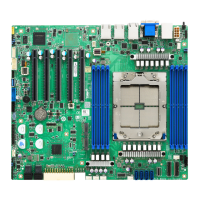
The S7105 supported Intel
®
processors are listed in section 1.2 Hardware
Specifications on page 5. Check our website at http://www.tyan.com for latest
processor support.
NOTE: MITAC TYAN is not liable for damage as a result of operating an
unsupported configuration.
Processor Installation for LGA3647 Socket
Follow the steps below to install the processors and heat sinks.
NOTE: Please save and replace the CPU protection cap when returning for service.
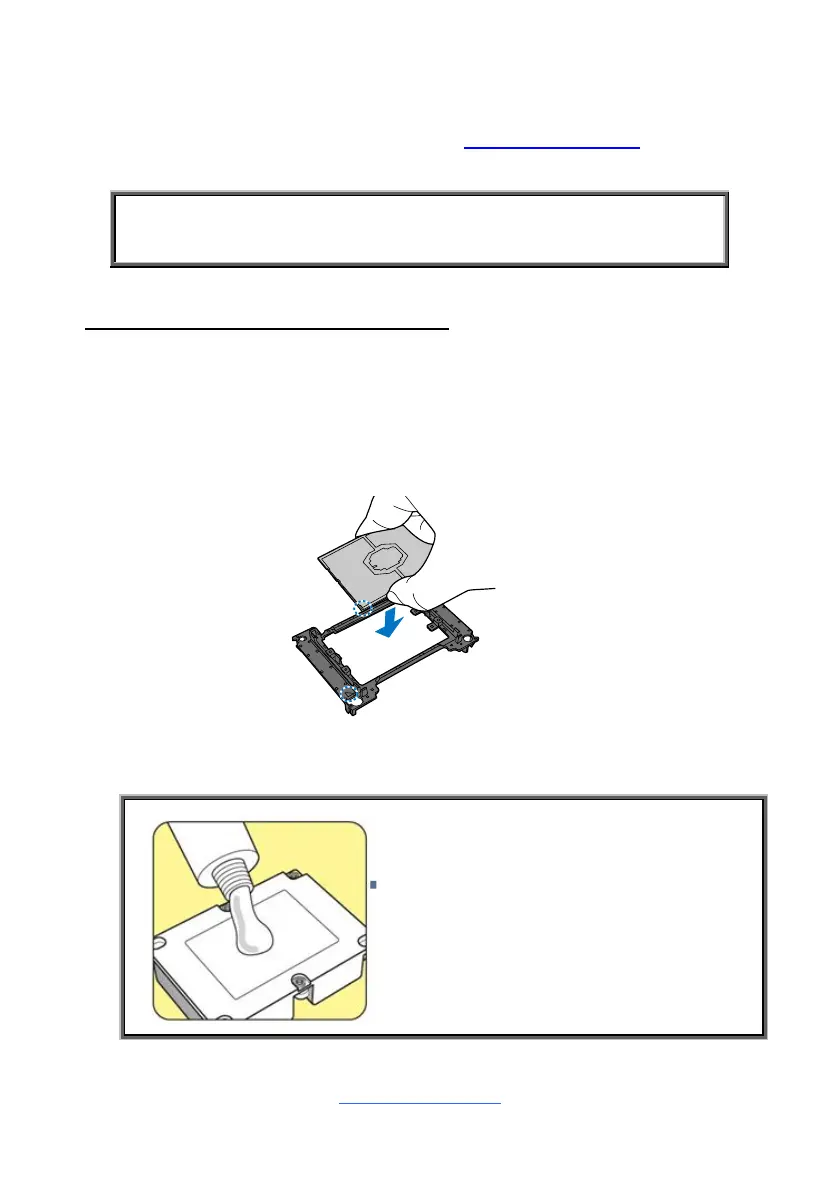
1. Align and install the processor on the carrier.
2. Carefully flip the heatsink. Then install the carrier assembly on the bottom of
the heatsink and make sure the gold arrow is located in the correct direction.
NOTE: A new heatsink comes with pre-
applied thermal grease.
Once the heatsink has been removed from
the processor, you need to clean the
processor and heatsink using an alcohol
solvent. Then apply new thermal grease
before reinstalling the heatsink.


 To Next Page