MM-008212-001, Rev. A
65
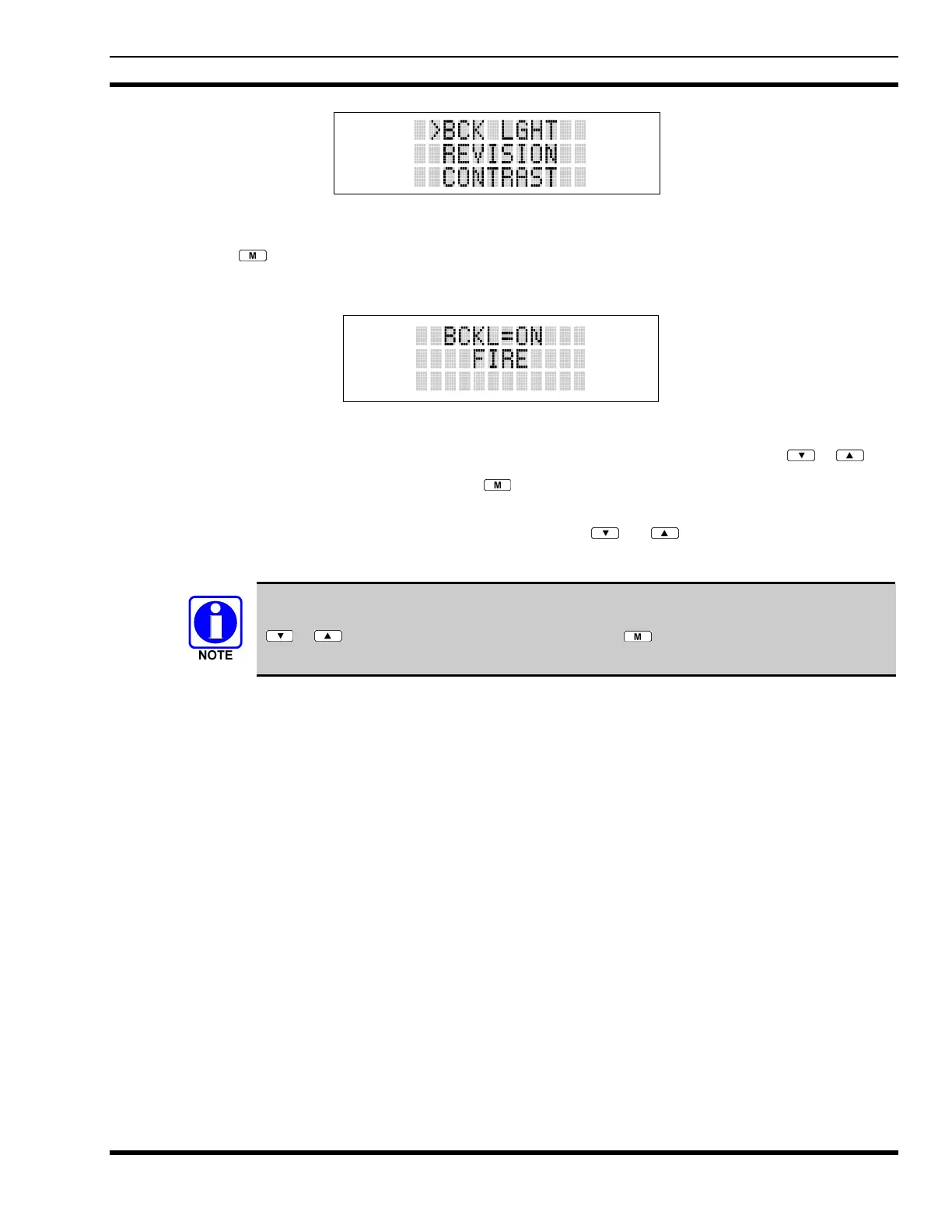
Figure 9-7: Backlight Menu Item Selection Parameter
3. Press
. The backlight menu item is activated. Line one shows the active menu item and its
current parameter setting. Line two shows the currently selected system or group name (see Figure
9-8).
Figure 9-8: Backlight Menu Display
4. The menu item's parameter setting shown in the display can now be changed by using
or .
5. Once the desired setting is reached press
to store the value and return the menu option selection
level.
For menu items that display radio information pressing
or will scroll through a list of
informational displays. An example of information displays is shown in Table 9-5.
The TX POWER menu item, when selected, toggles LOW/HIGH power. It does not use
or to scroll nor is an additional press of the button required.


 To Next Page