11
Page
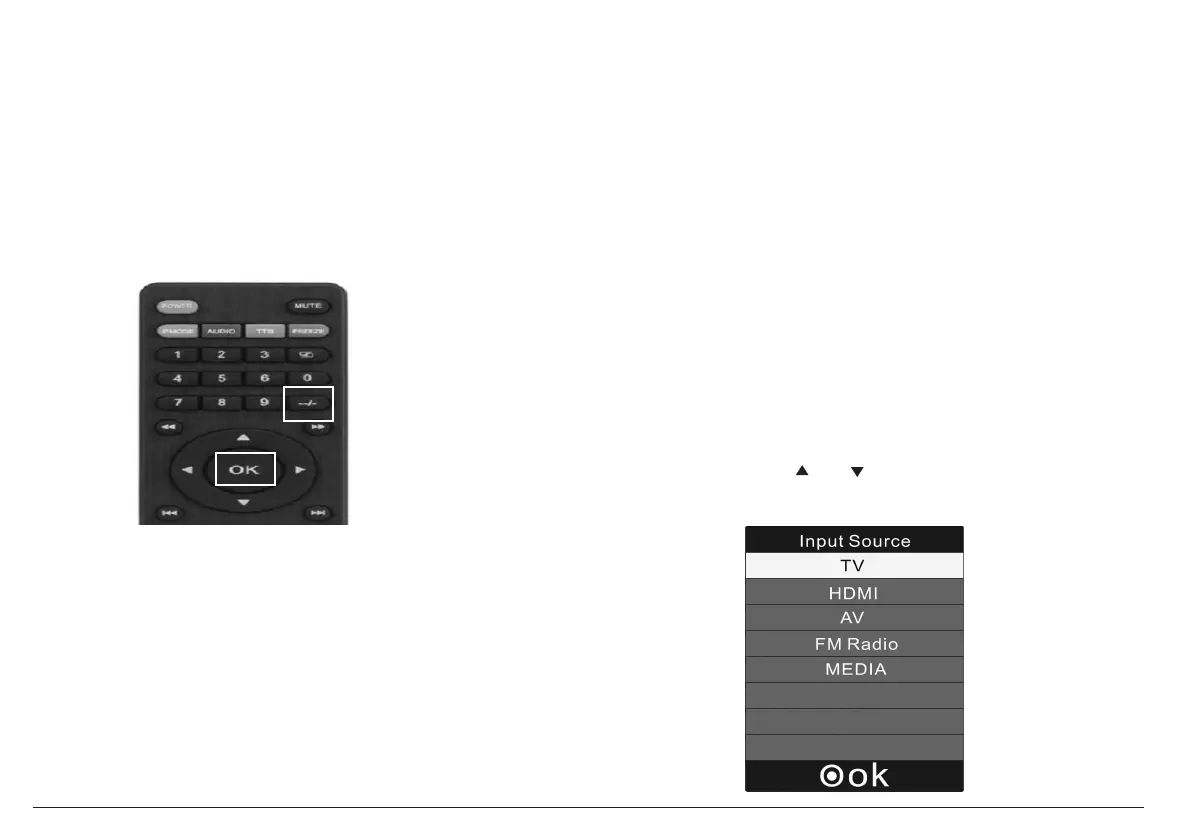
Setting the Input Source
Set the input source to choose which connection is ac-
tive and displayed on the TV screen.
Press MODE
to access the input source
menu,
then
press
or
to change
the
input source.
4.
Press OK to confirm the selection.
2. Press the “--/-” key.
3. Press the OK key.
To go to track 15, for instance:
1. Press the “1” key, then press the “5” key.
2. Press the OK key.
To tune to channel 15-1, for instance:
1. Press the “1” key, then press the “5” key.
Using the Built-in battery
The TV has a built-in rechargeable lithium battery.
Charge the built-in battery before using it for the
first time. The charging indicator will change from
red to darken when the battery becomes fully cha-
rged.
Notes: About 6.5 hours to be fully charged; And the
battery working time is up to 3 hours.
temperature should be 5°C (41°F) to 35°C ( °F).
*
Warnings:
To charge the battery, just connect the AC adapter.
*
Recharge the built-in battery when you are ready
to use it again.
*
To get the longest service life of the built-in battery,
charge at indoor-temperature.
*
While using the built-in battery, the environment
9
5
5.



 To Next Page