DSTOPTRS 8 2008
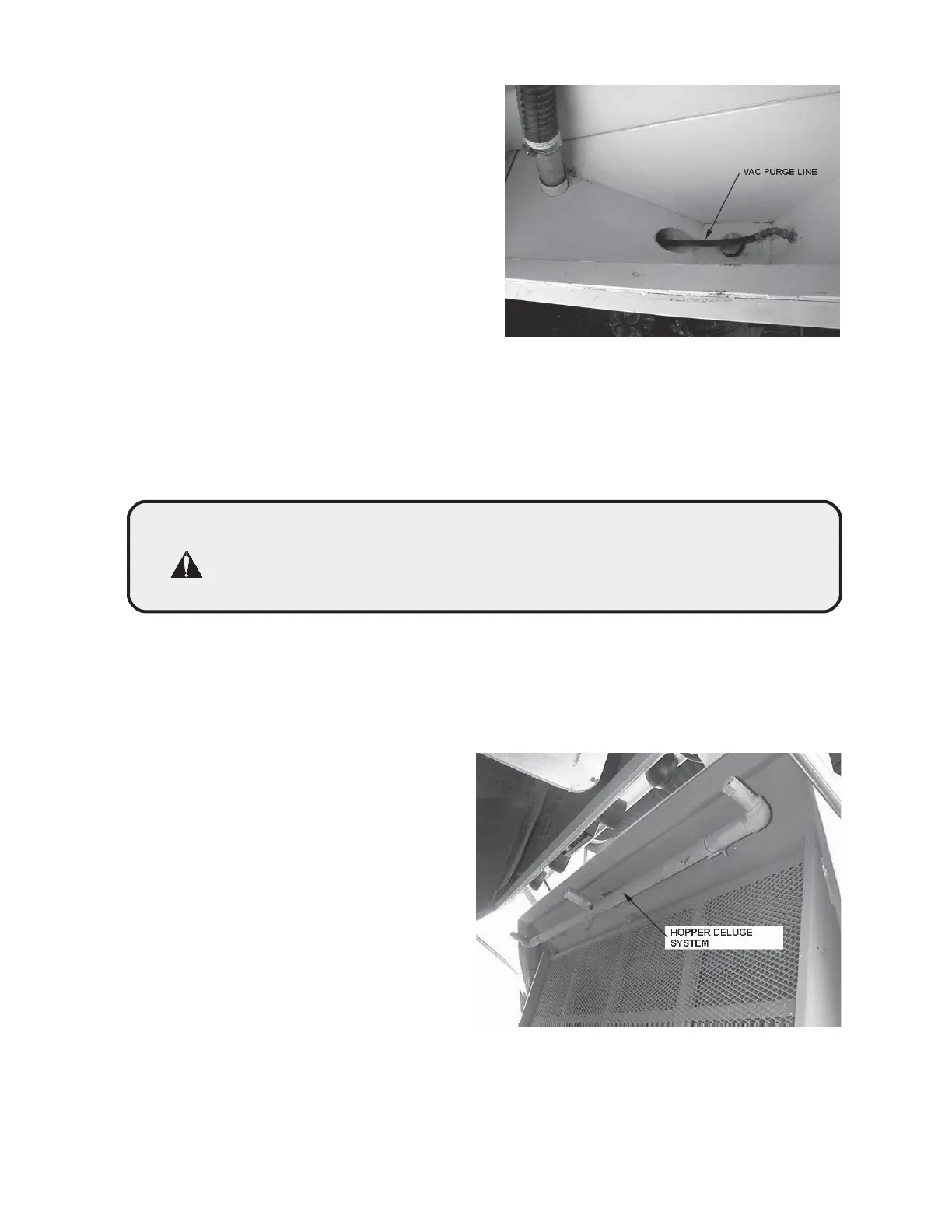
A VAC PURGE switch on the console
aids the cleaning of the vacuator bin by
blowing high pressure air into the
vacuation hose inlet. (Photo M01367)
This procedure may have to be repeated
several times to empty the vacuator bin.
M01367
B. STANDARD MODE OPERATION:
The standard mode operation allows the sweeper to sweep in continuously wet
conditions (light rain or after flusher truck, etc.) where the dustless function is not
required. The DST-6 flue plate closes and very little exhaust air goes through the
DST-6 box. For standard mode, use the same procedures described previously,
except DO NOT turn on DC mode switch or purge switch.
CAUTION! Do Not attempt to open the DST-6 box large access door with
sweeper in the standard mode. High static pressure is created
when the flue plate is closed and the sweeper auxiliary engine
is running. The high pressure will blow the access door open
quickly and potentially cause injury to anyone struck by the door.
DAILY SWEEPER WASHDOWN PROCEDURE:
A. HOPPER CLEANING
As a rule, the sweeper must be thor-
oughly washed out after each shift.
A four nozzle deluge system is
provided requiring a high volume wa-
ter source such as a fire hydrant. At-
tach a hydrant hose to the hopper
deluge connector and open hydrant.
Let water run for 60 seconds with the
door closed. Using the auxiliary hy-
draulic system gradually step the
dump door open approximately 4" to
6" at a time, allowing 20 to 30 sec-
onds at each step for flushing until
the door is fully opened. (Photo
M01368)
M01368



 To Next Page