EasyManua.ls Logo

TypeS BLIZZARD BOX Series - User Manual

TypeS BLIZZARD BOX Series
16 pages
Print Icon
To Next Page IconTo Next Page
Loading...
WP ITM. AC57245
AC57245-1
INSTRUCTION MANUAL
PLEASE READ THIS USER MANUAL CAREFULLY BEFORE CONNECTING AND OPERATING APPLIANCE.
SAVE FOR FUTURE REFERENCE.
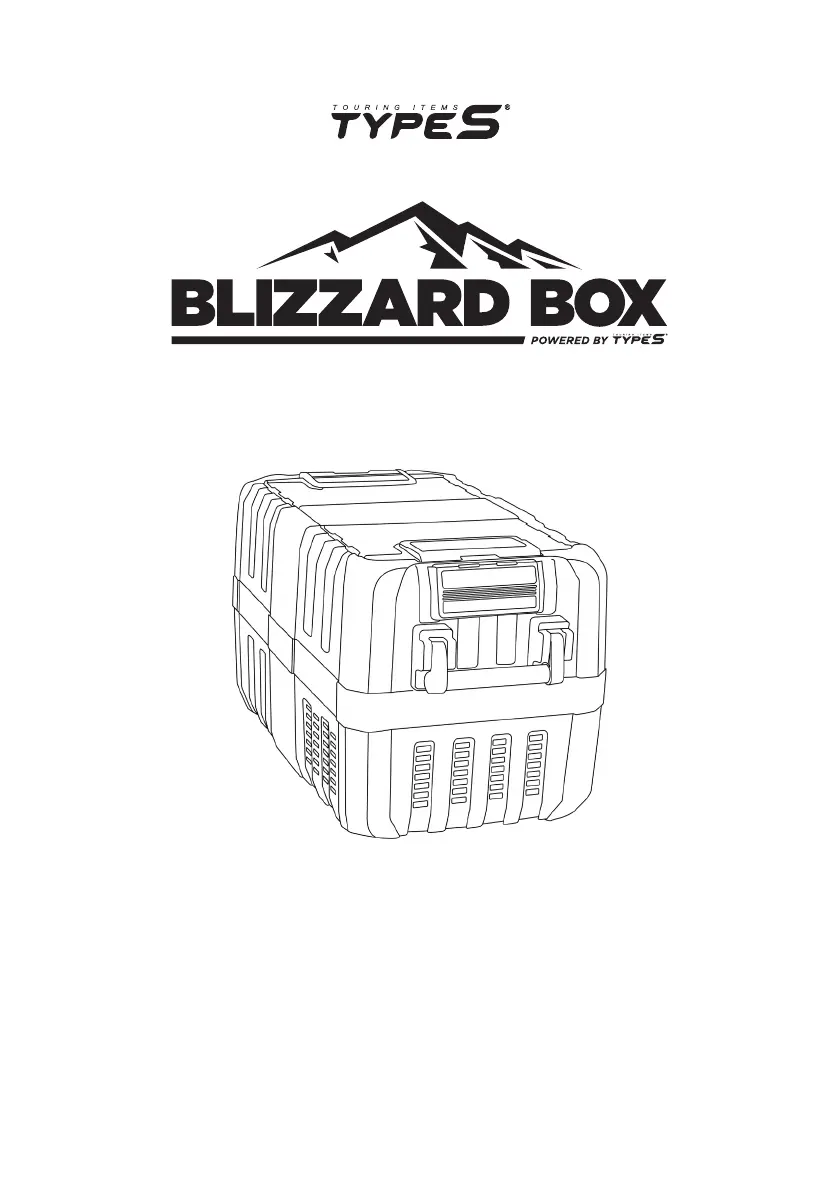
PORTABLE FRIDGE / FREEZER

Questions and Answers

  • J
    Jennifer BurnsAug 4, 2025
    Why is the power indicator light off, or why isn't my TypeS BLIZZARD BOX (Blizzard Box) working?
    • B
      Bradley SanchezAug 5, 2025
      If the power indicator light isn't on or the TypeS Refrigerator (Blizzard Box) isn't working, there might be a few reasons. First, check that the power input is functional and that the engine is running, as it needs to provide power in most vehicles. Also, the fuse might be burnt. If that's the case, replace the fuse. Another potential issue is a burnt vehicle-mounted fuse, so refer to your vehicle's operating manual to change it. Finally, the car plug socket might not be connecting well. Try cleaning the socket and making sure the plug connects correctly.
  • A
    Alec TuckerAug 12, 2025
    What to do if the error light on my TypeS BLIZZARD BOX Refrigerator flashes 5 times?
    • D
      David RiceAug 12, 2025
      If the error light on your TypeS Refrigerator is flashing 5 times, it means the ambient temperature is too high. Make sure the side ventilation vents have good airflow and aren't blocked.
  • R
    Regina GarciaAug 19, 2025
    What does it mean when the error light on my TypeS Refrigerator flashes 2-4 times?
    • A
      Ashley BrownAug 19, 2025
      If the error light on your TypeS Refrigerator is flashing 2-4 times, the compressor might be locked or the operation speed is too low. Unplug the refrigerator for 10 minutes to resolve this issue.
  • B
    Brandon HallAug 27, 2025
    Why is the error light flashing once on my TypeS BLIZZARD BOX?
    • W
      warrenmichaelAug 27, 2025
      If the error light on your TypeS Refrigerator is flashing once, it indicates low voltage. Check the source voltage to make sure it's above the voltage cut-out setting.

Summary

Introduction

Package Contents

Technical Specifications

Operation

Before You Start

Pre-operation checks and important cautions.

Connecting Power

How to connect the Blizzard Box to a power source.

Operating Panel Overview

Explanation of the control panel buttons, display, and lights.

Setting Temperature

Steps to power on the unit and adjust desired temperature settings.

Vehicle Battery Protection Setting

How the device protects vehicle batteries and its settings.

Turning Off the Blizzard Box

Procedures for powering down the unit.

Emergency Override Mode

Explanation of the emergency mode for temporary operation.

USB Port Power Supply

Information on the USB port's capability to charge mobile devices.

Setting Battery Protection Levels

Configuring low voltage protection levels for different power sources.

Lid Positions and Storage Tips

Information on lid functionality and recommended storage temperatures.

Cleaning and Maintenance

Cleaning and Defrosting Procedures

Instructions for cleaning the interior/exterior and defrosting the unit.

Fuse Replacement Guide

A guide on how to safely replace a blown fuse.

Safety Instructions

Important Safety Guidelines

Critical safety instructions for product use, handling, and precautions.

Warnings and Precautions

General Device Warnings

Warnings regarding over-voltage, maintenance, storage, and child supervision.

Operational Precautions

Precautions on placement, ventilation, power source, and unit orientation.

Warranty Information

Warranty Terms and Conditions

Details on the limited warranty, conditions, and limitations.

Liability and Remedy Limitations

Defines the exclusive remedy and limits liability for damages.

Compliance and Warnings

FCC Compliance Statement

Compliance information with FCC rules for digital devices.

Chemical Exposure Warning

Warning about potential exposure to specific chemicals.

Troubleshooting

Power and Fuse Issues

Solutions for power-on problems and blown fuses.

Error Light Code Interpretation

Explains error light flashes and remedies for common operational faults.

TypeS BLIZZARD BOX Series Specifications

General IconGeneral
BrandTypeS
ModelBLIZZARD BOX Series
CategoryRefrigerator
LanguageEnglish