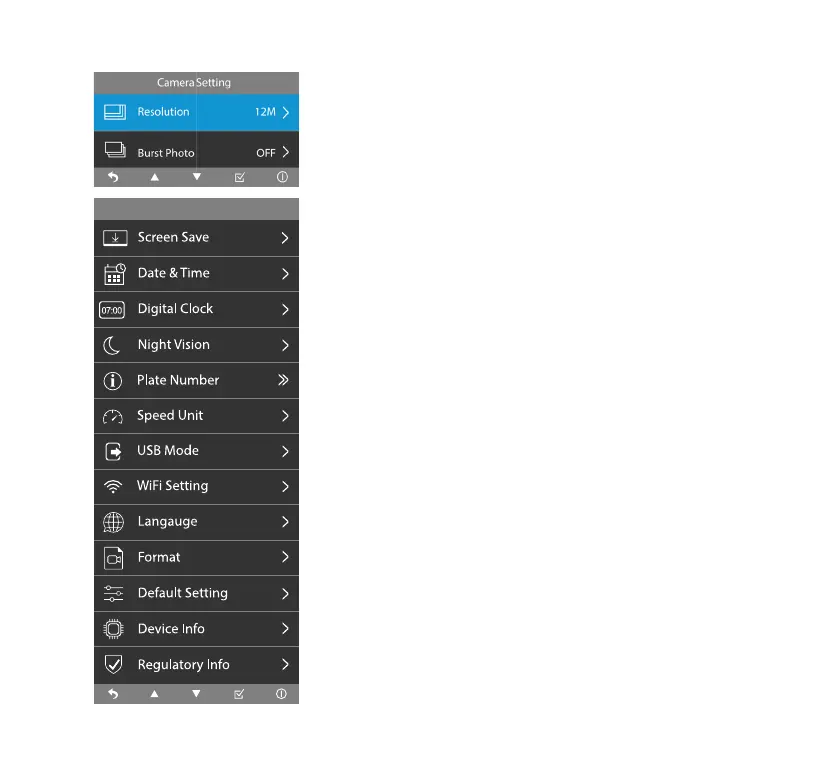
System Setting
14
System Setting
Camera Setting
Resolution
• Select photo resolution between 12M (4608 x 2592),
8M (3840 x 2160) and 5M (3072 x 1728).
Burst Photo
• Burst Photo On/O. Burst Photo Mode allows you to
capture a series of photos in quick succession.
Screen Save
• Select the time of inactivity between O, 1 minute,
3 minutes and 5 minutes. Screen will dim to a digital
clock interface after the specied time of inactivity you
select. To turn on the display, click any of the function
buttons.
Date & Time
• Update the date & time shown on the Dashcam and on
all its recorded media les.
Digital Cock
• Digital Clock (during screen save mode) On/O. The
digital clock and date will be shown on the screensaver
when you set this as ON. Otherwise, the screen will be
turned o.



 To Next Page