66
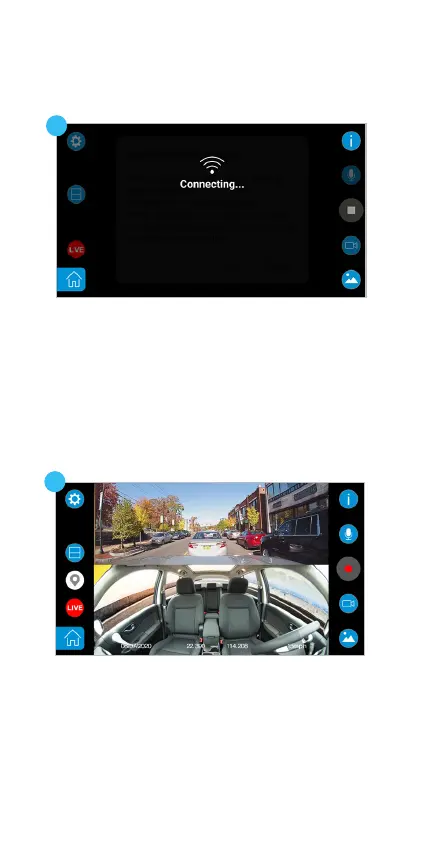
6. You should see the live view of TravCa Dash 360
if the connection is successful.
5. The APP will switch to the live view screen and
searches for the TravCa Dash 360‘s SSID which
begins with its model number „TYPES_TRAVCA_
DASH_360_XX“ and connects to the TravCa Dash
360 automatically.
6
5



 To Next Page