70
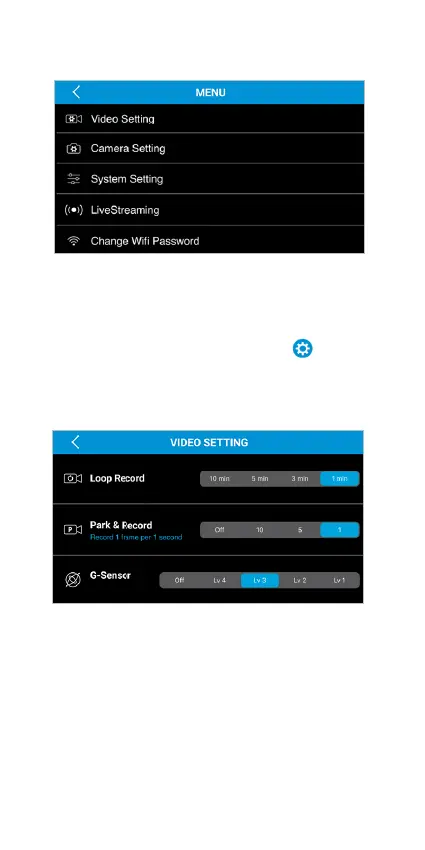
Main Menu
The default settings of the TravCa Dash 360 will
allow you to use it without the need to change any
settings. However, you can still customize the TravCa
Dash 360 any way you prefer. Tap the
icon to
enter the Main Menu.
Video Setting
• Loop Record - Select the duration of each recorded
footage.
• Park & Record - Select the interval value (in second)
the TravCa Dash 360 captures each frame when the
Park & Record Mode is activated.
• G-Sensor - Select the level of sensitivity of
G-Sensor.



 To Next Page