71
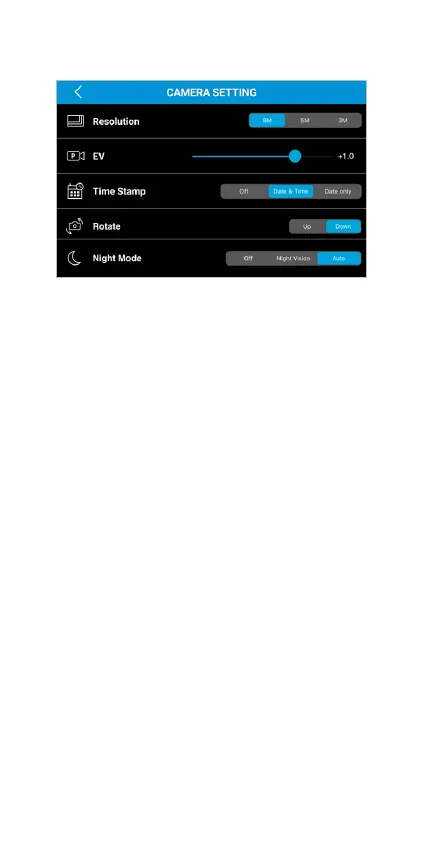
• Resolution - Select the resolution of recorded
footages.
• EV - Exposure Value.
• Time Stamp - Select choices of time stamp on
recorded footages.
• Rotate - The default camera view is set to Down.
Select rotate if your mounting angle requires you
to ip the TravCa Dash 360 by 180 degrees.
• Night Mode - Turning the Night Vision Mode ON,
OFF or AUTO.
Camera Setting



 To Next Page