72
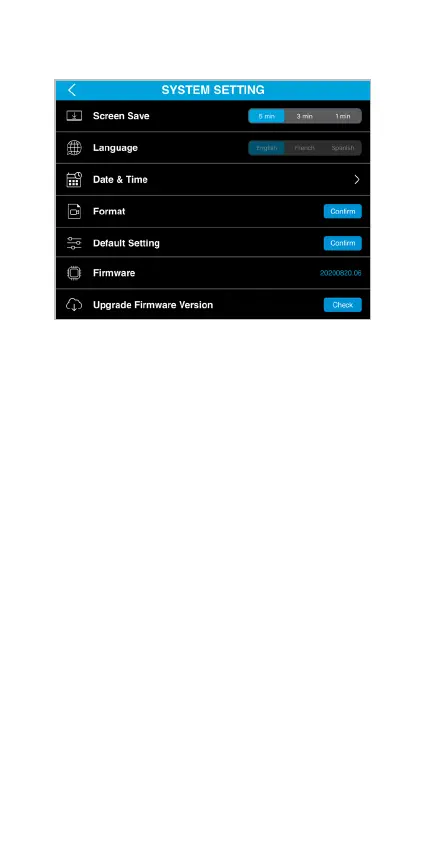
System Setting
• Screen Save - Select the period of inactivity before
the TravCa Dash 360‘s LCD screen shut down
automatically.
• Language - Choose your preferred language for the
TravCa Dash 360‘s menu.
• Date & Time - Set up the date and time.
• Format - Erase everything on the MicroSD card.
• Default Setting - Reset the TravCa Dash 360 to
default settings.
• Firmware - Shows the current TravCa Dash 360
rmware version.
• Upgrade Firmware Version - Tap to check and
download the latest rmware and apply to the
TravCa Dash 360.
• Upgrade - Appears as Up to date if the TravCa Dash
360 has the latest rmware.
(NOTE: Make sure MicroSD card is present, and
the TravCa Dash 360 is connected to power during
rmware upgrade process.)



 To Next Page