74
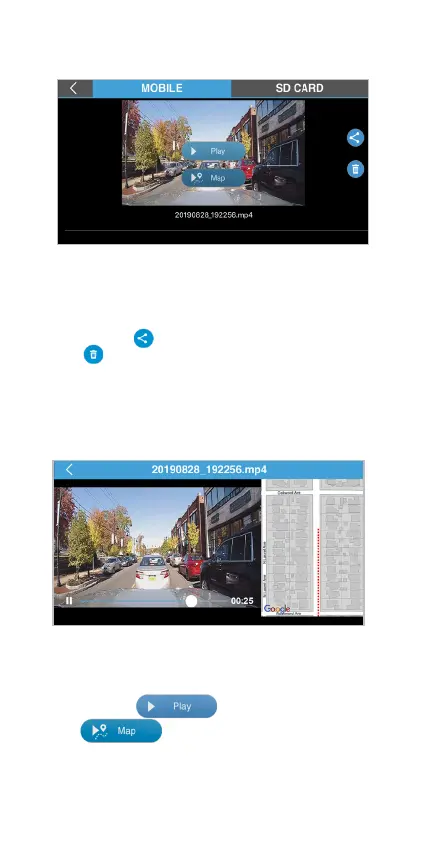
Tap the MOBILE tap to access the downloaded les
in your smartphone. You can manage les even if
your phone is not auto sync with the TravCa Dash
360. Tap the icon to share the selected le, or tap
the icon to delete the le.
MOBILE tap
GPS Information
You can tap to play the footage or
tap to show GPS location while the
footage is playing back.



 To Next Page