92
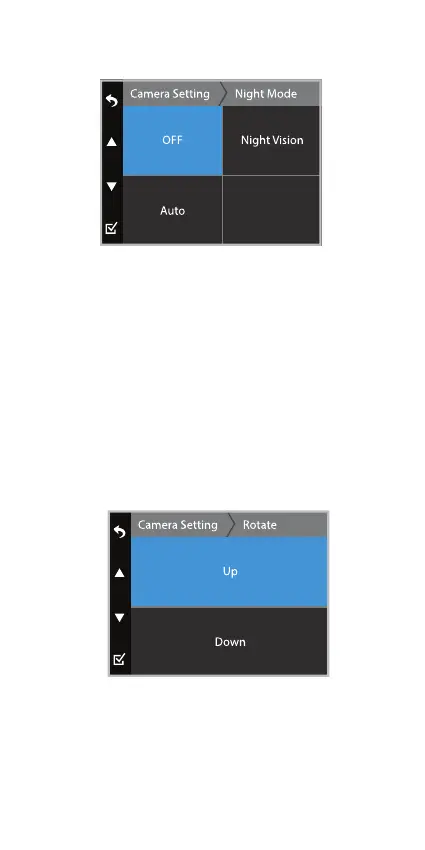
Night Mode
Select the Night Vision Mode. The light sensor detects
and switches to Night Vision Mode automatically if the
TravCa Dash 360 is recording in low-light environments.
Display visual will be brightened and in black and white
under Night Vision Mode.
Select the Auto Mode. The light sensor detects and
switches to Auto Mode automatically if the TravCa Dash
360 is recording in low-light environments. Display
visual will be brightened and in color under Auto Mode.
Rotate
The default camera view is set to Down. Select rotate
if your mounting angle requires you to ip the TravCa
Dash 360 by 180 degrees.



 To Next Page