93
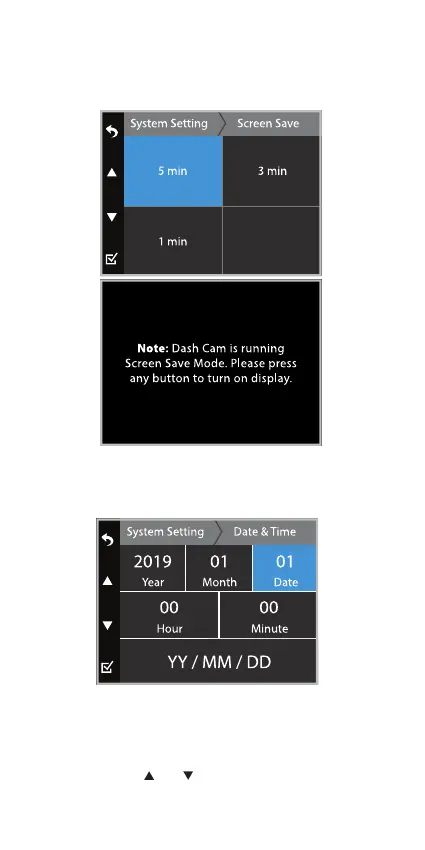
Screen Save
Turn o the display after a chosen period of inactivity.
To turn on the display press any of the function buttons.
System Setting
Set the date and time before using the TravCa Dash 360
as this will aect the time stamp on all recorded media
les.
Date & Time
NOTE: Press the and button to select dierent time
stamp combinations: DD/MM/YY, YY/MM/DD,
MM/DD/YY.



 To Next Page