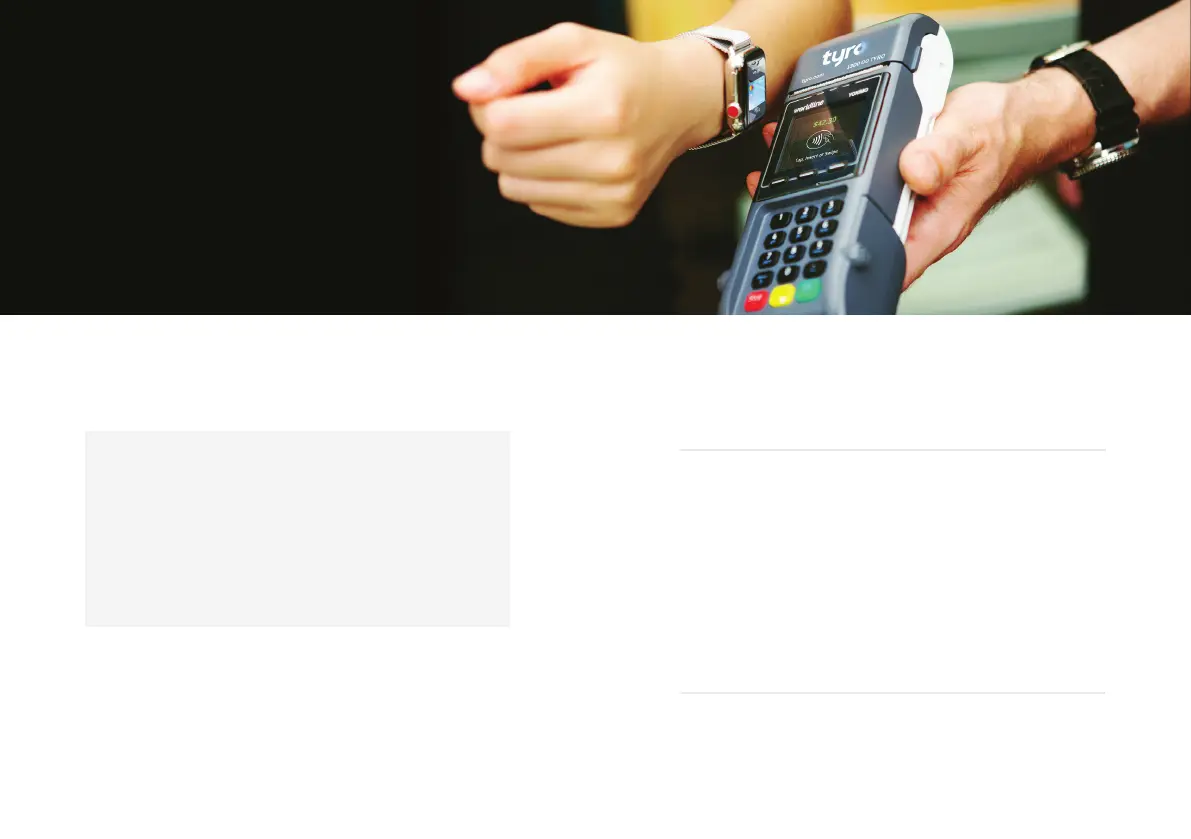
Accepting a payment
With your EFTPOS machine the following payment types can be taken:
• Contactless payments (Tap & Go)
• Visa, Mastercard®, and eftpos
• UnionPay^
• Google Pay
TM
, Apple Pay, and Samsung Pay
• Alipay^
• American Express/JCB*
• Diners Club*
*If you already have a merchant agreement with American Express or
Diners Club please call Customer Support 24/7, 365 days a year on 1300 00 TYRO
(8976) to organise enablement on your machine . If you don’t have a Merchant
Agreement with American Express, Tyro can fulfil that for you on behalf of
American Express as long as you’re eligible for the American Express Direct
Settlement program with Tyro. For more information on this go to help.tyro.com.
^Alipay and UnionPay acceptance available in-store through your Tyro EFTPOS
Facility (subject to eligibility).
Processing a refund
When a customer is charged the wrong amount, you can refund
the whole amount or difference to their card.
From the Menu:
• Select ‘Transactions’ and ‘Refund’
• Enter the refund password
• Enter the amount you wish to refund to the card
• Ask the cardholder to swipe/insert the card, select the account
and enter the PIN (refunds to credit accounts don’t require a PIN)
• Press ‘OK’
• The EFTPOS machine will print a receipt confirming
whether the refund was approved or declined
Please note: refunds cannot be processed when the EFTPOS machine is offline.
Start transacting
1312
Start transacting Tyro Mobile EFTPOS machine user guide


 To Next Page