Installation Requirements
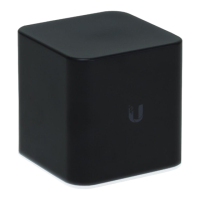
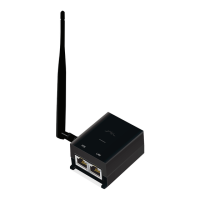
The airGateway is powered by and integrates exclusively with
Ubiquiti Networks PoE adapters. A wall mount kit is included.
• Ubiquiti Networks PoE Adapter (24V, 0.5A)
• Ubiquiti Networks airMAX CPE device
• CAT5/6 cable
• 6 mm drill bit and drill
• Screwdriver
Hardware Installation
WARNING: Do not connect non-PoE devices (such as
laptops) to the POE port.
To install the airGateway, perform the following steps:
1. Disconnect the Ethernet cables from the Ethernet ports
on the PoE Adapter connected to your airMAX CPE device.
Ensure that you note which cable was connected to the
POE port and which cable was connected to the LAN port.


 To Next Page
 Loading...