4
Chapter 2: Hardware Install AmpliFi User Guide
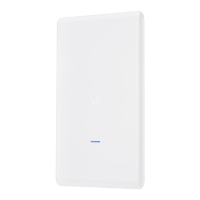
Installing the MeshPoints
Note: MeshPoint installation is optional and may not
be necessary in smaller homes.
1. Plug the MeshPoint into a power outlet.
2. After approximately one minute, the LEDs will reflect
signal strength, illuminating upward once the MeshPoint
is connected to the Router.
3. The MeshPoint antenna can be adjusted to provide
optimal signal coverage for your location.
Note: If a MeshPoint is powered on and has been
configured with the app but does not appear online,
try relocating the MeshPoint closer to the Router.



 To Next Page
 Loading...