8
UniFi Enterprise WiFi System
6. Feed the Ethernet cable through the hole and then align the
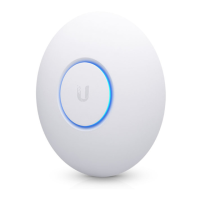
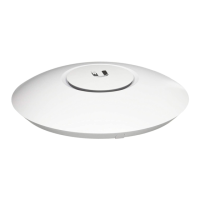
Enterprise AP with the notches on the wall-mount bracket.
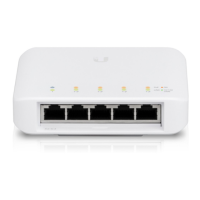
Note: The UniFi Enterprise AP supports Passive PoE
which works with the included PoE adapter. If you want
to power the UniFi AP from an 802.3af compliant switch,
Ubiquiti Networks offers the optional Instant 802.3af
Adapter to instantly transform any PoE device into a
fully 48V 802.3af compliant product. Product details are
available on our website at http://ubnt.com/8023af
7. Turn the AP clockwise until it locks into place.



 To Next Page
 Loading...