13
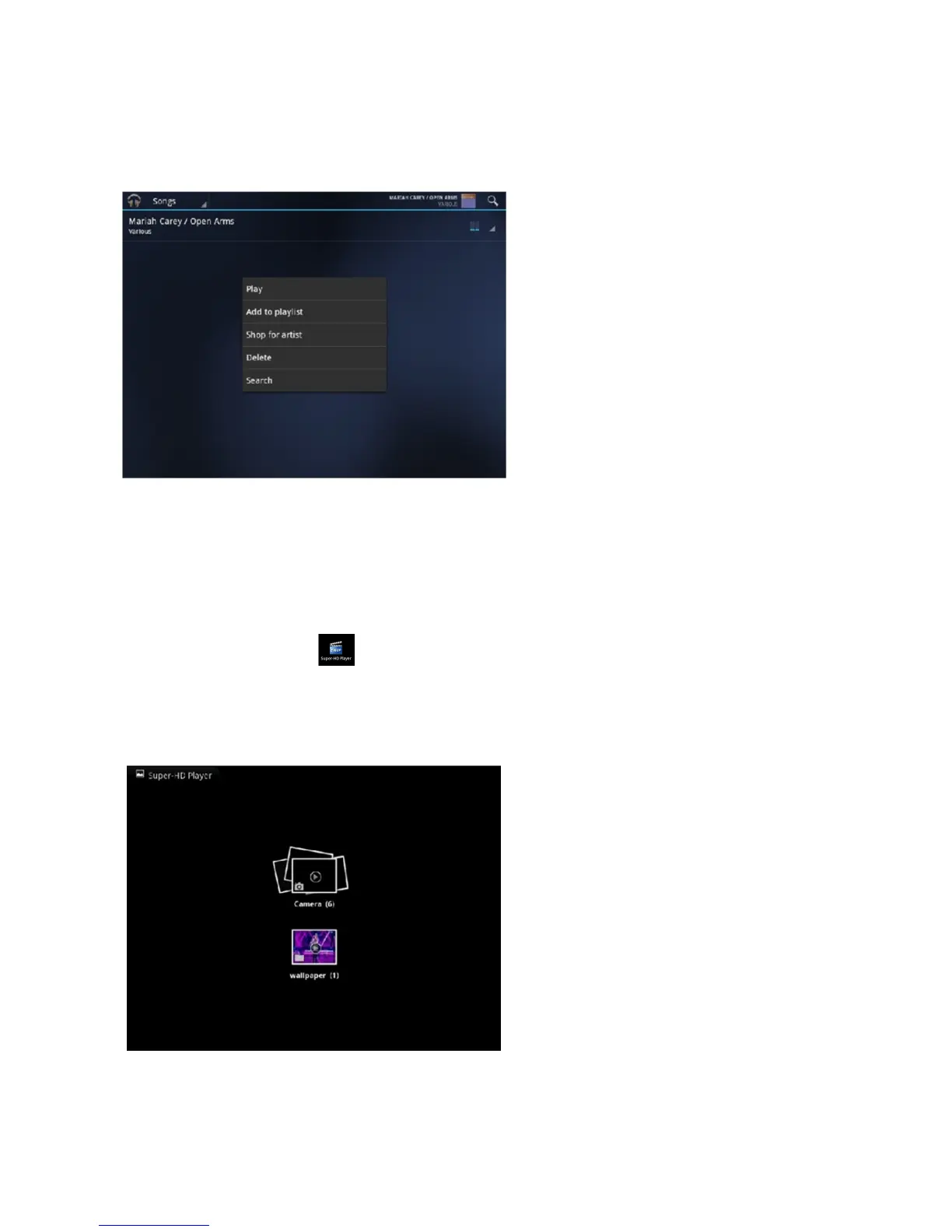
Tap the song for 1 second, the option menu will pop up. You can
select
Play, Add to playlist, Shop for Artist, Delete or
Search.
Tap “Play” to enter the playback interface and start music playback or
you
may also tap the
song name directly. On the playback interface, you can
tap
on the function bar to adjust the
playback time, backward, forward,
play,
pause, shuffle, or repeat
.
Super-HD Player –
Go to application menu, tap on “Super-HD Player” to enter
the
Super-HD Player interface and
it will show how many image and/or video files are available inside the
device.



 To Next Page