EN
26
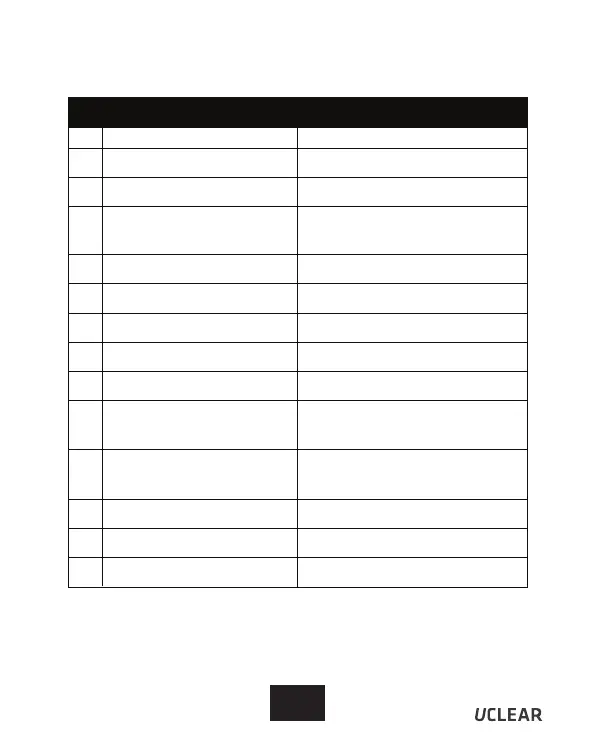
Status Indicator Configurations Summary
The table below shows the status indicator configurations.
* BT - Bluetooth
State Status Indicator
Off (No Power)
On (BT* not connected)
On (BT* connected)
Call in progress
In-coming call
Battery low
Power down
Intercom connected
Battery fully charged
Battery faulty
Intercom Pairing mode
(subsequent unit)
Battery charging
Intercom Pairing mode
(first unit)
Phone & Music device
Pairing mode
1
2
3
5
6
7
8
9
13
14
11
12
10
4
-
Blink blue fast
Blink blue slowly
Blink blue very slowly
Blink blue & red alternately
Blink red every 2 seconds
Blink red 5 times
Blink blue twice every 2 seconds
Solid Blue
Solid purple
Blink purple slowly
Solid Red
Blink purple fast
Blink blue & red alternately



 To Next Page