Basic Voice Commands
The basic Voice Commands below can be given at any
point while using your Uconnect system.
Push the VR button
. After the beep, sayѧ
• Cancel to stop a current voice session
• Help to hear a list of suggested Voice Commands
• Repeat to listen to the system prompts again
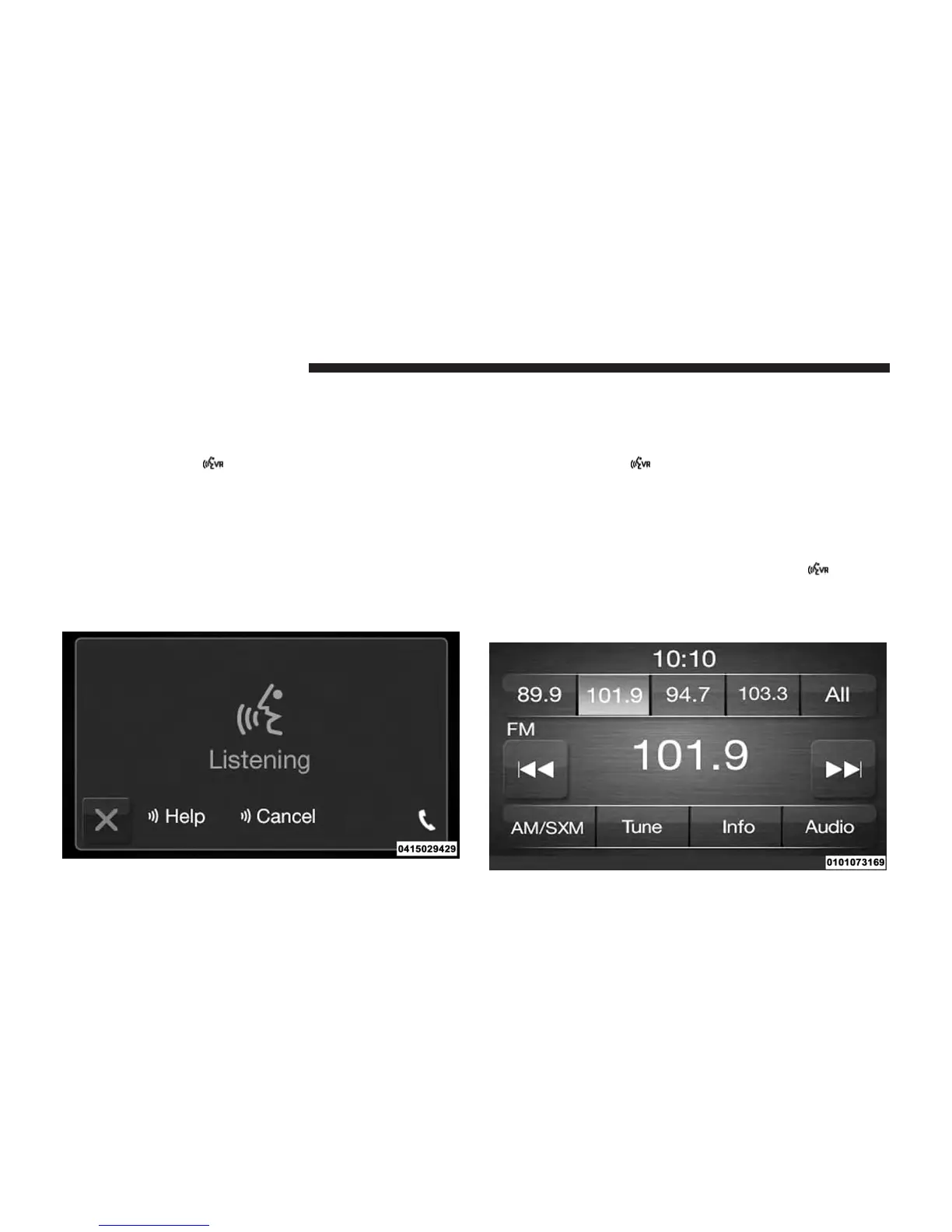
Notice the visual cues that inform you of your voice
recognition system’s status. Cues appear on the touch-
screen.
Radio
Use your voice to quickly get to the AM or FM radio
stations.
Push the VR button
. After the beep, sayѧ
• Tune to ninety-five-point-five FM
• Tune to Satellite Hits 1
TIP: At any time, if you are not sure of what to say or want
to learn a Voice Command, push the VR button
and say
“Help.” The system will provide you with a list of
commands.
36 VOICE RECOGNITION QUICK TIPS



 To Next Page