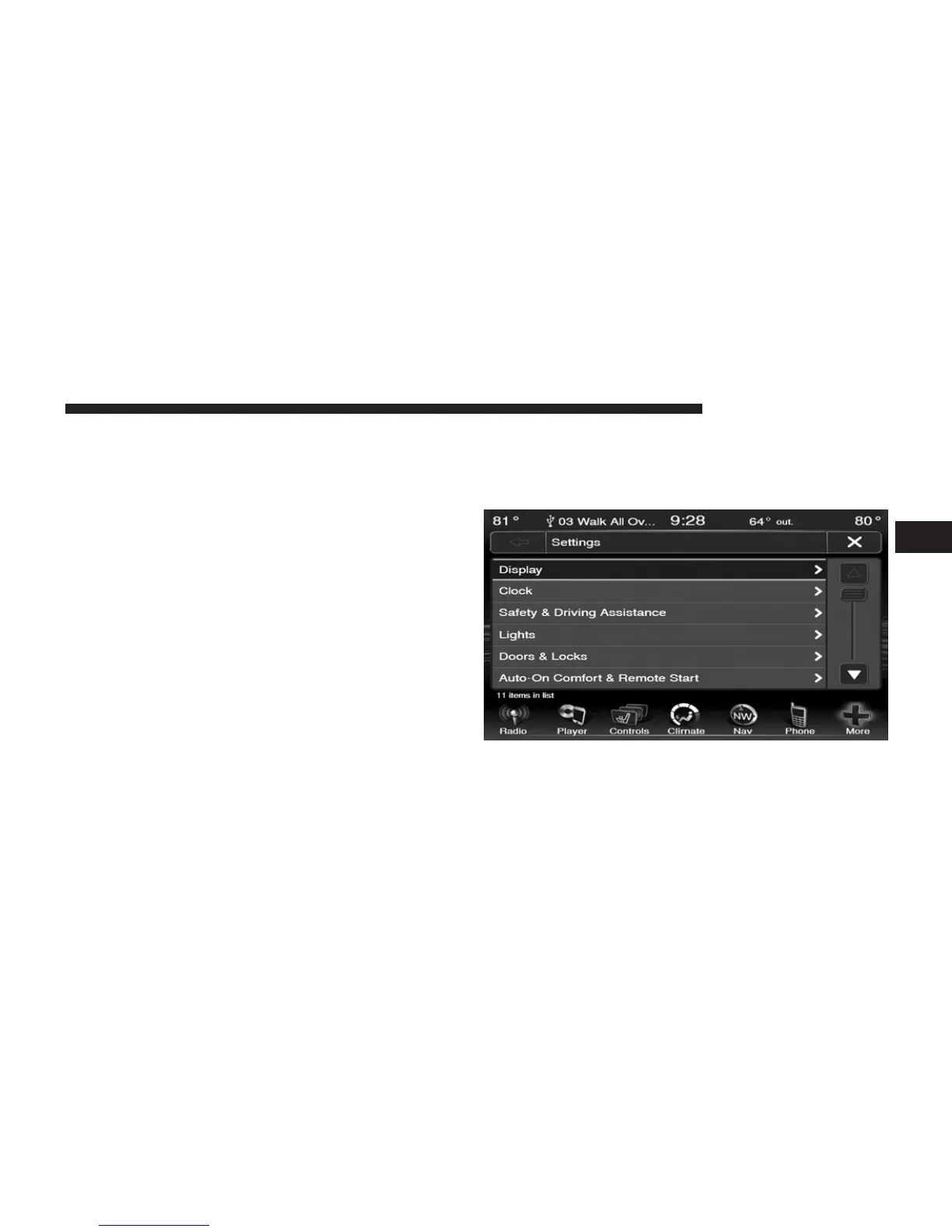
5. Touch the + or – soft-key to change the Brightness. Or
touch the check mark or empty box to change a
selection.
NOTE: The check-mark indicates the current selection is
active.
6. Touch the X soft-key to exit from the Display Menu
and Settings.
Clock Setting
1. Press the More soft-key on the bottom of the screen.
2. Then press the Settings soft-key.
NOTE: The Clock Setting Menu can also be accessed by
touching the time as it is displayed on the screen.
3
Uconnect姞 8.4 & 8.4N 131



 To Next Page