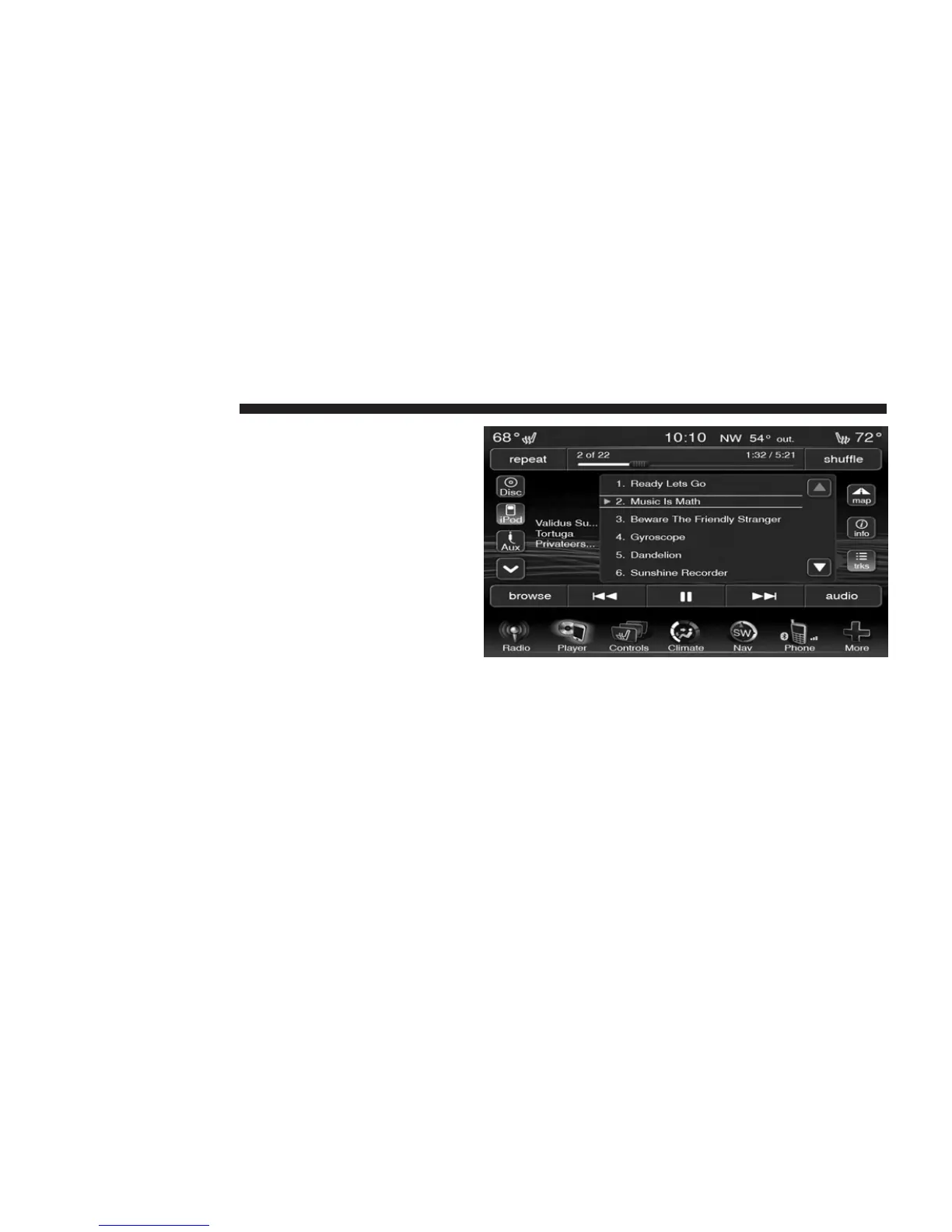
Tracks
Touch the trks soft-key to display a pop up with the Song
List. The currently playing song is indicated by an arrow
and lines above and below the song title. When in the
Tracks List screen you can rotate the TUNE/SCROLL
knob to highlight a track (indicated by the line above and
below the track name) and then press the ENTER/
BROWSE knob to start playing that track.
Touching the trks soft-key while the pop up is displayed
will close the pop up.
Audio
Refer to Operating Instructions – Radio Mode for adjust-
ing the audio settings.
74 Uconnect姞 8.4 & 8.4N



 To Next Page