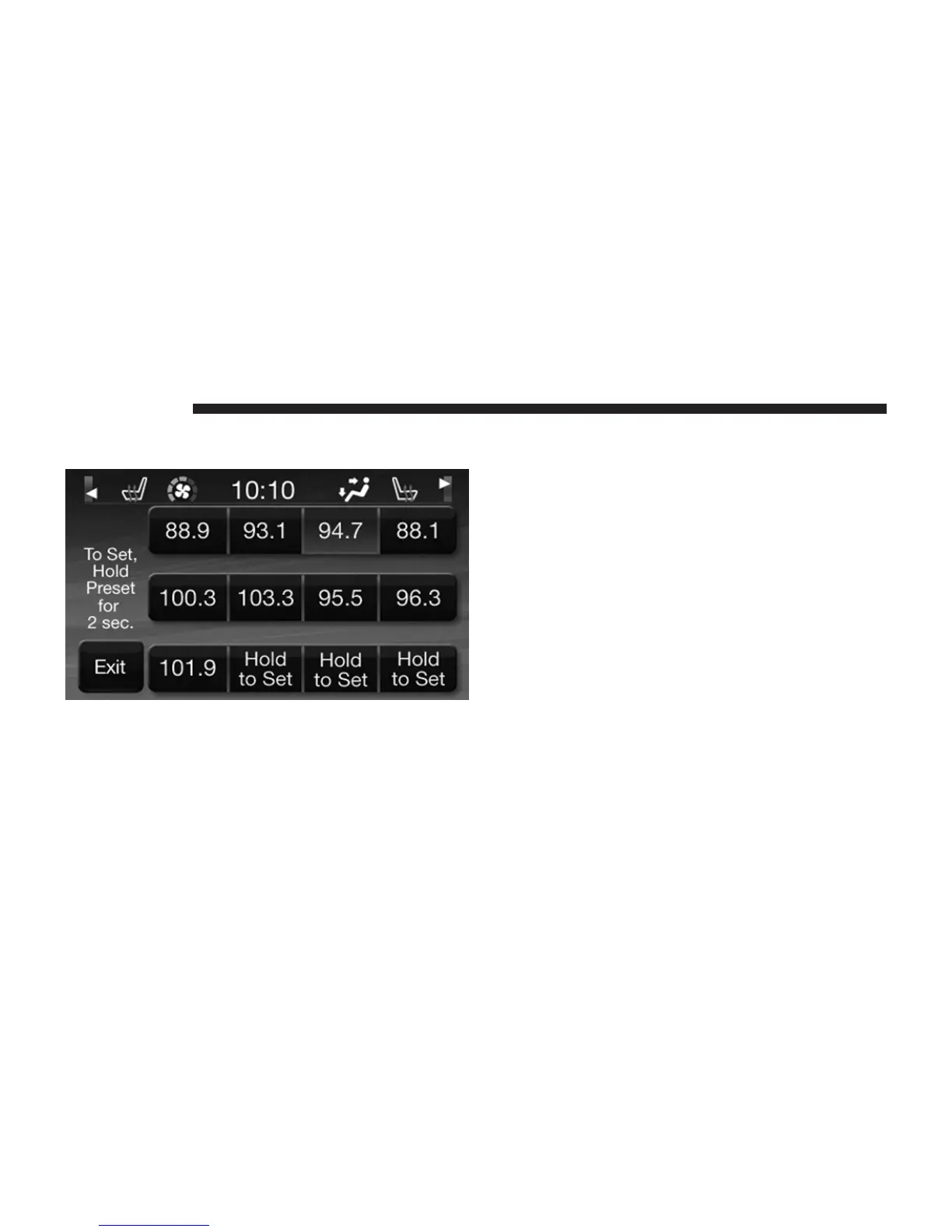
All Presets Button
Touching the ⬙all⬙ soft-key on the radio home screen will
display all of the preset stations for that mode.
Return to Main Radio Screen
You can return to the Main Radio Screen, by either
touching Exit soft-key or pressing the Radio hard-key.
Audio
1. Press the SETTINGS hard-key on the right side of the
unit.
2. Then scroll down and press the Audio soft-key to get
to the Audio menu.
3. The Audio Menu shows the following options for you
to customize your audio settings.
• Equalizer
Touch the Equalizer soft-key to adjust the Bass, Mid
and Treble. Use the + or - soft-key to adjust the
equalizer to your desired settings. Press the back arrow
soft-key when done.
16 Uconnect姞 4.3



 To Next Page