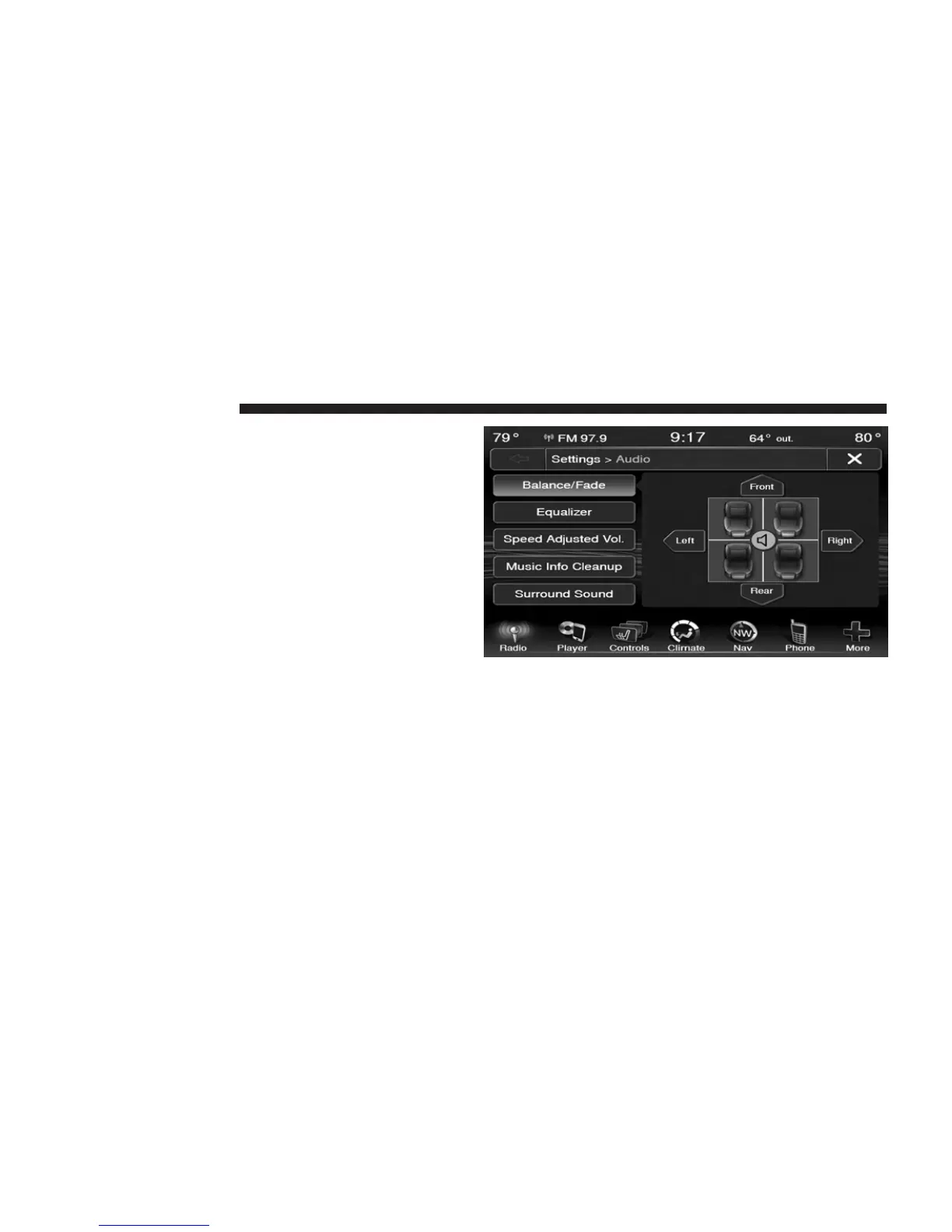
Audio
Touch of the Audio soft-key to activate the Audio settings
screen to adjust Balance\Fade, Equalizer, And Speed
Adjusted Volume.
You can return to the Radio screen by touching the X
located at the top right.
Balance/Fade
Touch the Balance/Fade soft-key to Balance audio be-
tween the front speakers or fade the audio between the
rear and front speakers.
Touching the Front, Rear, Left, or Right soft-keys or touch
and drag the blue Speaker Icon to adjust the Balance/
Fade.
52 Uconnect姞 8.4 & 8.4N



 To Next Page