Playlists – If Equipped
Touch the Playlists soft-key on the left side of the screen
to display the current playlist information.
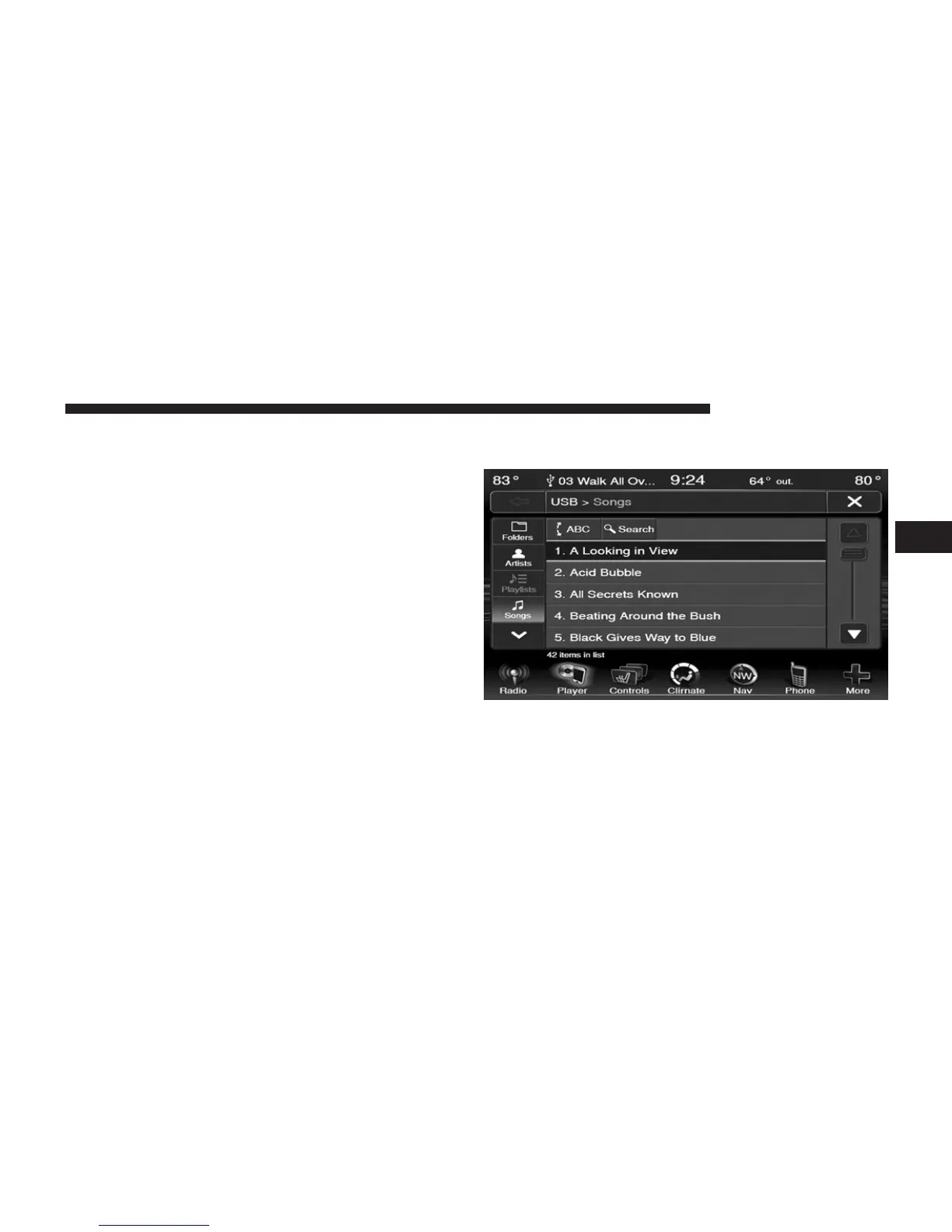
Songs
Touch the Songs soft-key on the left side of the screen to
display the Songs list in which the user can Scroll, Search,
and Jump to operations.
The currently playing song is displayed with a black
background, and lines both above and below the title.
3
Uconnect姞 8.4 & 8.4N 63



 To Next Page