7. Enter the number of the address.
8. Touch Done.
9. Enter the street name.
10. Touch Done.
11. If necessary, select the street.
12. If necessary, select the address.
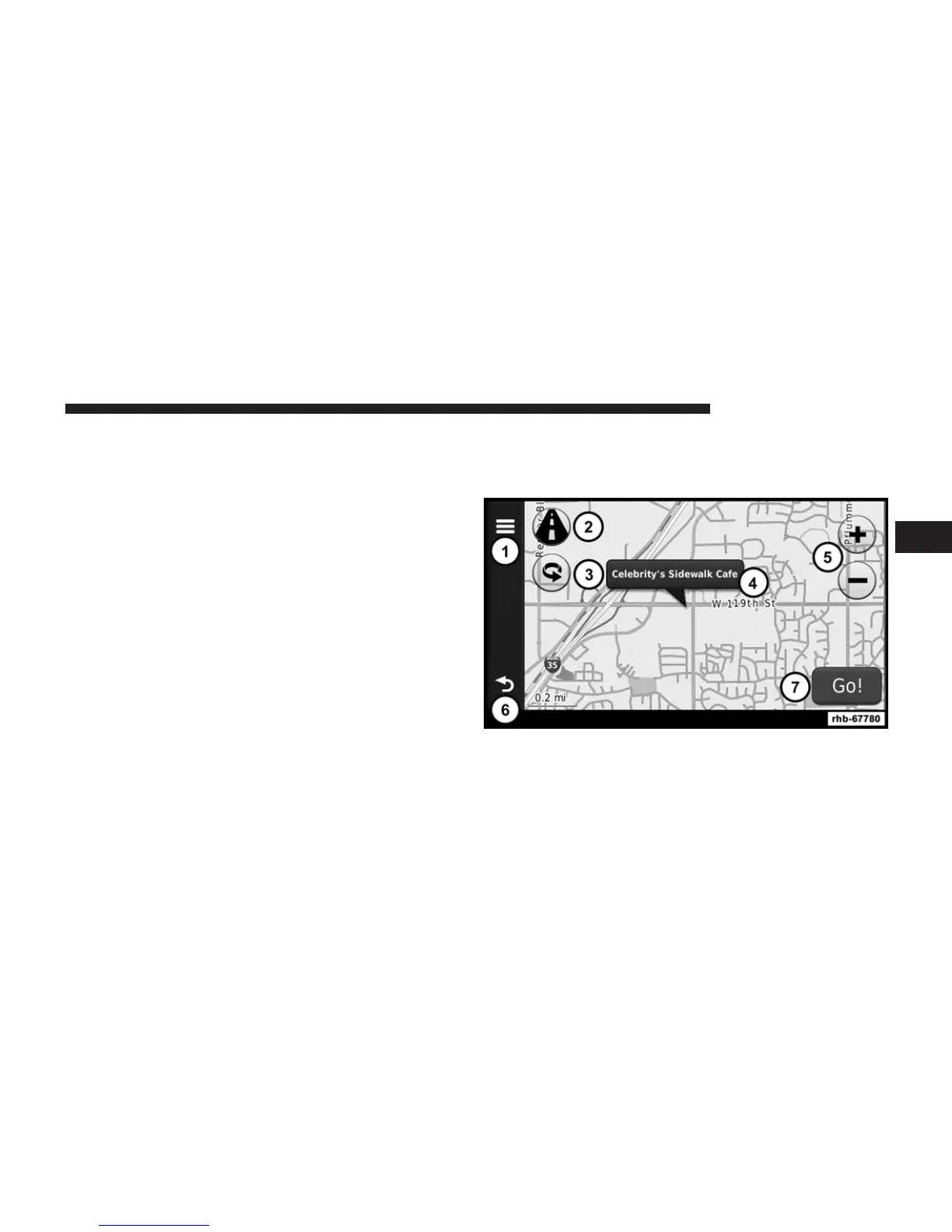
Using the Go! Page
The Go! page opens when you select a location to
navigate to.
1. Touch to call the selected location when your device is
connected to phone, or to save the location to your
favorites.
3
Uconnect姞 8.4 & 8.4N 83



 To Next Page