Enabling myTrends
• From the main menu, touch Settings > Navigation >
myTrends > Enabled.
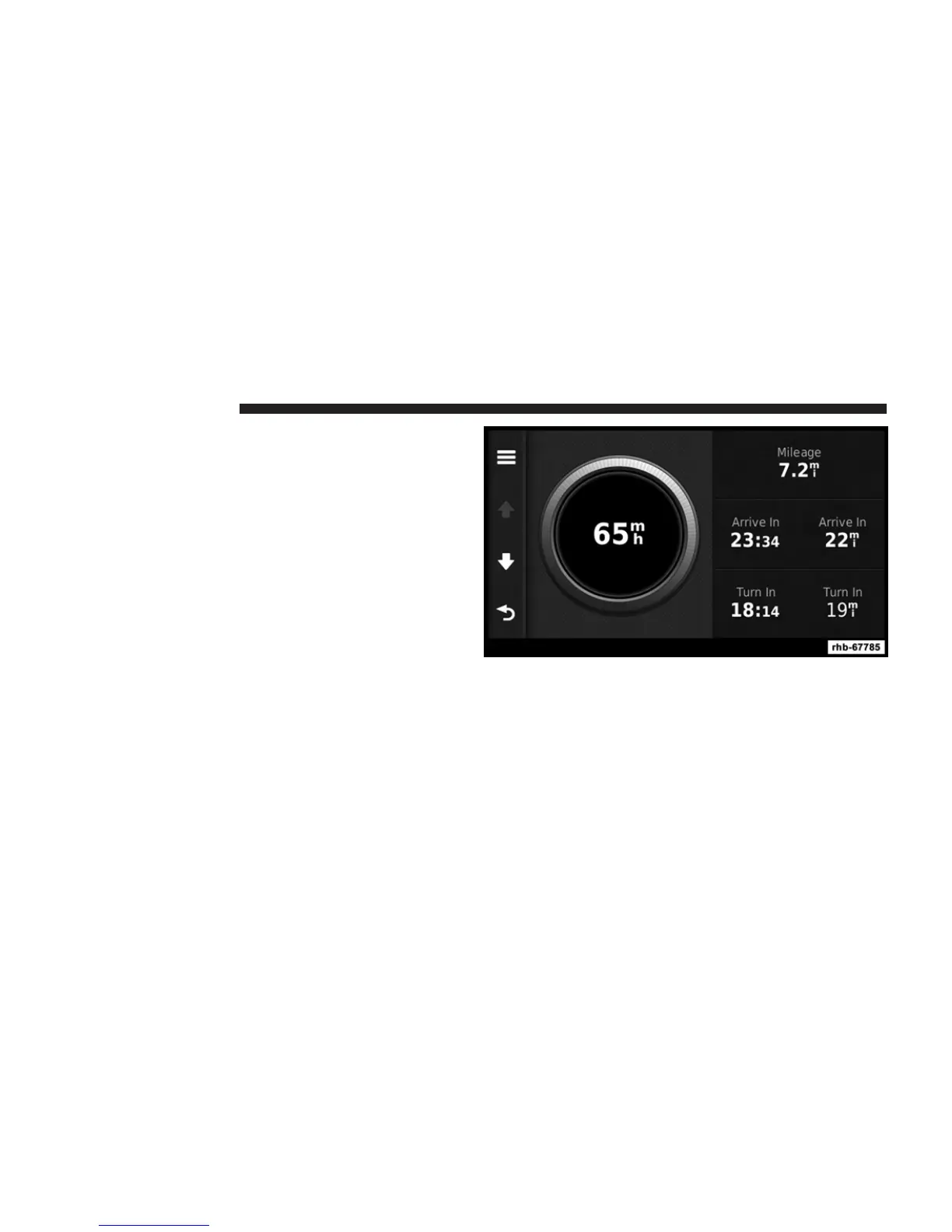
Viewing Trip Information
The trip information page displays your present speed
and provides statistics about your trip.
TIP: If you make frequent stops, leave the navigation
system turned on so it can accurately measure elapsed
time during the trip.
From the map, touch the Speed field.
94 Uconnect姞 8.4 & 8.4N



 To Next Page